Automated Libsyn Podcast Download Report
Every Monday, WebRun signs in to Libsyn, reads last week's download figures for every published episode, ranks them, compares the newest release against your recent average, creates a Trello card holding the full scorecard, and sends you a WhatsApp headline with the best and worst performing episodes.
How do I get a weekly report on my podcast download numbers?
WebRun signs in to Libsyn every Monday, reads last week's downloads for every published episode, and ranks them. It files the full scorecard on a Trello card with top destinations and territories, then sends you a WhatsApp headline naming the best and weakest performers and how the new release compares.
- Every Monday starts with last week's real numbers
- New episodes are compared against a fair baseline
- The show board keeps a dated record of performance
Built for podcasters · podcast networks · producers · content marketing teams
What does WebRun do on every run?
The exact actions WebRun takes, in order - in plain language, so you can adjust anything.
-
WebRun signs in and gets to work
Opens
www.libsyn.comin a real browser with your saved login - no setup, no API keys. -
1
Libsyn - read last week's download stats
libsyn.com
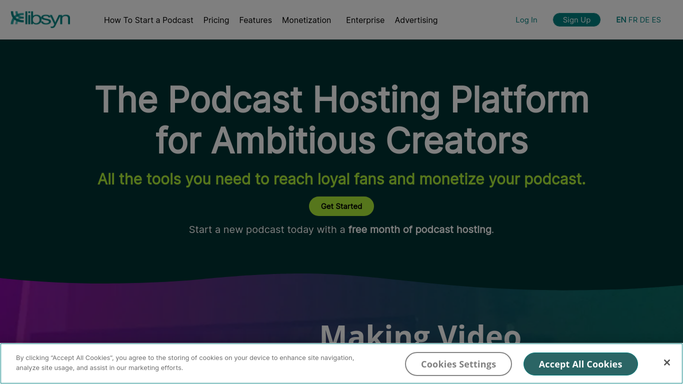
WebRun opens Libsyn to read last week's download stats. - Sign in to Libsyn and open the stats section for the last seven days
- Record total downloads for the week and the figure for each published episode
- Capture the newest episode's downloads in its first seven days
- Note the top destinations and territories the stats report shows
Done when Last week's downloads are captured overall and per episode.
-
2
Trello - file the weekly scorecard
trello.com

WebRun opens Trello to file the weekly scorecard. - Create a dated card on your show board for the week's scorecard
- List every episode with its downloads, ranked highest first
- Show the newest release against your recent seven day average
- Add the top destinations and territories at the bottom of the card
Done when The week's scorecard card exists with per-episode numbers.
-
3
WhatsApp - send the headline numbers
whatsapp.com

WebRun opens WhatsApp to send the headline numbers. - Send a short message with total downloads and the change on last week
- Name the best performing episode and the weakest one
- Say whether the newest release is ahead of or behind your recent average
- Report only the figures Libsyn shows. Never estimate or round up a number
Done when You have this week's download headline on WhatsApp.
How is each run configured?
Secure by default
Connect once, stays signed in
WebRun signs in once and keeps each session in a persistent environment, so every run picks up right where it left off.
Every action is checked against this policy before it runs.
Questions, answered
Does it publish or change episodes?
No. WebRun only reads your Libsyn stats. It never publishes, schedules, edits, or unpublishes an episode, and it never changes a destination.
Where do the numbers come from?
Directly from the Libsyn stats pages for the last seven days. WebRun reports the figures Libsyn shows and never estimates or rounds a download count.
Can it compare a new episode fairly?
Yes. It measures the newest release over its first seven days and compares that against your recent seven day average, so a new episode is not judged against a back catalogue.
Related templates
Put this on autopilot.
Turn it on in minutes - or have our team set it up for you.