Digest your daily Krea AI images for you
Every morning, WebRun opens Krea AI, lists every image generated or upscaled the day before, saves the final versions into a Google Drive project folder, and posts a daily digest to Slack showing what was created, so the creative team can review new output without digging through the Krea AI workspace themselves.
- No credit card
- Under $0.01 per run
- Cancel anytime
What does WebRun do on every run?
The exact actions WebRun takes, in order - in plain language, so you can adjust anything.
-
WebRun signs in and gets to work
Opens
www.krea.ai/loginin a real browser with your saved login - no setup, no API keys. -
1
Krea AI - find images generated yesterday
krea.ai

WebRun opens Krea AI to find images generated yesterday. - Open Krea AI and list every image generated or upscaled since the last run
- Note the prompt or project each one belongs to
- Flag the final version if multiple variations were made
Done when Every image generated since the last run is listed.
-
2
Google Drive - save finals to Drive
drive.google.com How to Automate Google Drive
WebRun opens Google Drive to save finals to Drive. - Save each final image into the matching Google Drive project folder
- Name the file with the project and date
- Keep earlier variations out of the main folder unless marked final
Done when Final images are saved to their Drive project folder.
-
3
Slack - post the daily digest
slack.com How to Automate Slack
WebRun opens Slack to post the daily digest. - Post a daily digest to Slack listing what was created and its project
- Include a thumbnail or link where possible
- Group by project for easier scanning
Done when The daily digest is posted to Slack.
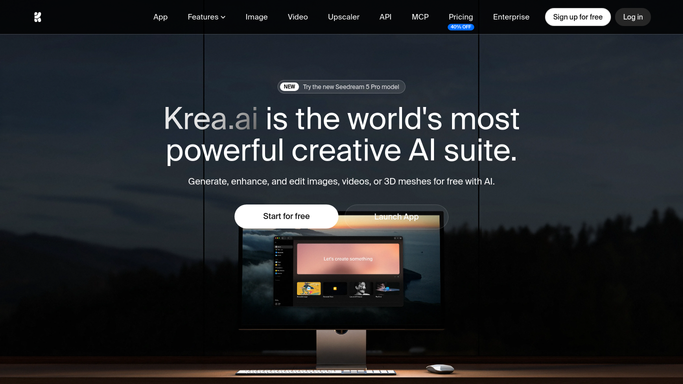


How do I keep a saved record of images generated in Krea AI?
WebRun checks Krea AI every morning for images generated or upscaled the day before, saves the final versions to a Google Drive project folder, and posts a daily digest to Slack showing what was created. Creative teams review new AI generated output in one place instead of digging through the workspace.
- New AI generated images get saved and organized the same day
- The creative team reviews output in Slack without opening Krea AI
- Final images always land in the right project folder
Built for creative teams · marketing teams · game studios · freelance AI artists
How is each run configured?
Secure by default
Connect once, stays signed in
WebRun signs in once and keeps each session in a persistent environment, so every run picks up right where it left off.
Every action is checked against this policy before it runs.
Questions, answered
Does it generate images itself?
No. WebRun only reports on and saves images your team has already generated in Krea AI. It never creates new images or prompts on its own.
How does it know which variation is final?
It looks for the version marked or selected as final in Krea AI. If none is marked, it saves the most recent variation and notes that in the digest.
Where do earlier variations go?
They stay in Krea AI unless someone marks them final. WebRun only moves the chosen version into the Drive project folder.
Related templates
Put this on autopilot.
Turn it on in minutes - or have our team set it up for you.