Hand off new Kartra members to your onboarding team
Every hour, WebRun opens Kartra, checks for new membership signups, drafts a WhatsApp welcome handoff for your onboarding specialist to personalize and send, and books an onboarding call on Google Calendar.
- No credit card
- Under $0.01 per run
- Cancel anytime
How do I hand off new Kartra members to my onboarding team?
WebRun checks Kartra for new membership signups every hour and, once payment clears, drafts a WhatsApp welcome message for your onboarding specialist to personalize. It also books an onboarding call on Google Calendar within 2 business days, so every new member gets a scheduled, personal welcome instead of a generic autoresponder.
- New members get a scheduled onboarding call within 2 business days
- The welcome message is personalized by a human, not sent on autopilot
- Only paid signups trigger the handoff, not abandoned checkouts
Built for course creators · membership site owners · onboarding specialists · online coaching businesses
What does WebRun do on every run?
The exact actions WebRun takes, in order - in plain language, so you can adjust anything.
-
WebRun signs in and gets to work
Opens
app.kartra.comin a real browser with your saved login - no setup, no API keys. -
1
Kartra - check new member signups
kartra.com
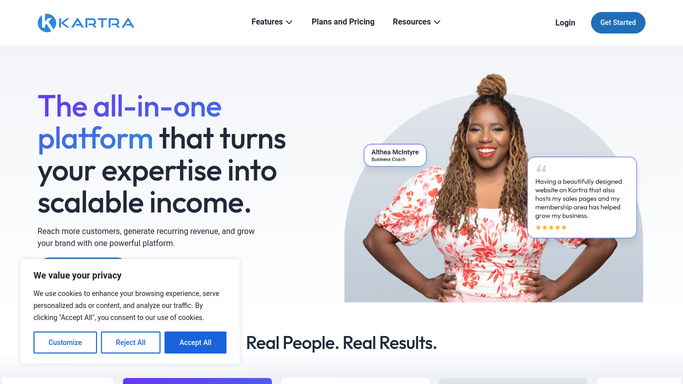
WebRun opens Kartra to check new member signups. - Open Kartra and check for membership signups since the last run
- Note which product or tier each new member joined
- Confirm payment has actually cleared before treating it as a new member
Done when Every new signup since the last run has been identified.
-
2
WhatsApp - draft the welcome handoff
whatsapp.com How to Automate WhatsApp

WebRun opens WhatsApp to draft the welcome handoff. - Draft a welcome message for the onboarding specialist to personalize
- Include the member's name and which product they joined
- Queue the draft for the specialist to review and send. WebRun never messages new members directly
Done when A draft welcome handoff exists for every new member.
-
3
Google Calendar - book the onboarding call
calendar.google.com How to Automate Google Calendar

WebRun opens Google Calendar to book the onboarding call. - Book an onboarding call slot on the specialist's calendar
- Pick the next available slot within 2 business days
- Add the member's name and product to the event notes
Done when An onboarding call is booked for every new member.
How is each run configured?
Secure by default
Connect once, stays signed in
WebRun signs in once and keeps each session in a persistent environment, so every run picks up right where it left off.
Every action is checked against this policy before it runs.
Questions, answered
Will it message new members without review?
No. WebRun only drafts the WhatsApp welcome message. Your onboarding specialist reviews and personalizes it before it's sent.
Does it count signups that haven't paid yet?
No. It only treats a signup as new once payment has actually cleared in Kartra, so the handoff isn't triggered by an abandoned checkout.
What if the specialist's calendar is full?
It looks for the next slot within 2 business days rather than double booking, so the call still lands quickly without conflicting.
Related templates
Put this on autopilot.
Turn it on in minutes - or have our team set it up for you.