Automated Homebase Timesheet Checks
Every Monday, WebRun opens Homebase, reviews last week's timesheets for missing clock-outs, shifts that ran long, unapproved hours, and overtime, opens a Trello card for each manager with their exceptions, and sends the summary to WhatsApp before payroll is submitted.
How do I catch timesheet errors before payroll is submitted?
WebRun opens Homebase every Monday and reviews last week's timesheets for missing clock-outs, overlong shifts, unapproved timecards, and overtime. It opens a Trello card for each manager listing their exceptions and sends a WhatsApp summary with the payroll cut-off, so payroll closes on clean hours.
- Payroll closes on approved hours instead of guesswork
- Each manager gets only their own exceptions, with the cut-off attached
- Overtime is visible before it lands on the payroll bill
Built for restaurant operators · retail managers · hourly workforce teams · payroll administrators
What does WebRun do on every run?
The exact actions WebRun takes, in order - in plain language, so you can adjust anything.
-
WebRun signs in and gets to work
Opens
app.joinhomebase.comin a real browser with your saved login - no setup, no API keys. -
1
Homebase - review last week's timesheets
joinhomebase.com
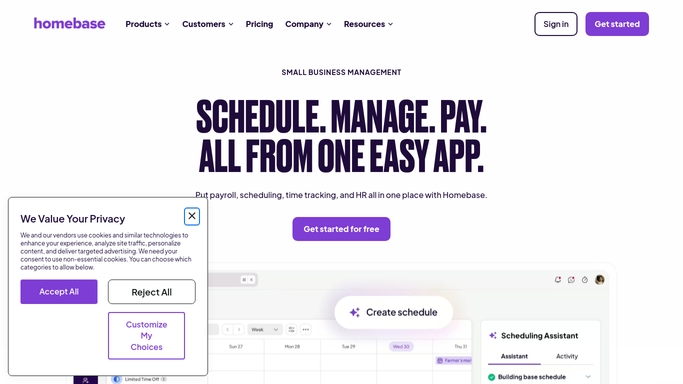
WebRun opens Homebase to review last week's timesheets. - Open Homebase and go to last week's timesheets for every location
- Find shifts with a missing clock-out, a missing break, or hours far longer than the scheduled shift
- List timecards still waiting on a manager's approval
- Note anyone whose hours crossed into overtime and by how much
Done when Every timesheet exception from last week is listed with the employee, location, and date.
-
2
Trello - open a card per manager
trello.com

WebRun opens Trello to open a card per manager. - Open the operations board in Trello
- Create one card per manager listing their unresolved timesheet exceptions
- Put the payroll cut-off in the due date so the deadline is obvious
- Move cards to Done when the previous week's exceptions have all been cleared
Done when Every manager with an exception has one dated Trello card.
-
3
WhatsApp - send the pre-payroll summary
whatsapp.com

WebRun opens WhatsApp to send the pre-payroll summary. - Send the pre-payroll summary to your managers group on WhatsApp
- Give the count of unapproved timecards, missing clock-outs, and overtime hours by location
- State the payroll cut-off date and time clearly
- Never edit a timecard, approve hours, or submit payroll. Those stay human decisions
Done when Managers have the pre-payroll summary and the cut-off on WhatsApp.
How is each run configured?
Secure by default
Connect once, stays signed in
WebRun signs in once and keeps each session in a persistent environment, so every run picks up right where it left off.
Every action is checked against this policy before it runs.
Questions, answered
Will it edit timecards or approve hours?
No. WebRun reads timesheets and reports the exceptions. It never edits a clock-in, approves hours, changes a schedule, or submits payroll, so every correction is made by the manager who is accountable for it.
Does it message employees about their hours?
No. The summary goes to your internal managers group only. WebRun never contacts an employee about a missed clock-out, so those conversations stay between a person and their manager.
Can it cover several locations?
Yes. It walks every location on the account and groups exceptions by manager and by site, which matters most for hospitality and retail groups where one payroll covers many rotas.
Related templates
Put this on autopilot.
Turn it on in minutes - or have our team set it up for you.