Get a daily digest of your Infomaniak account
Every morning, WebRun opens the Infomaniak account manager, reads usage across hosting, kDrive storage, and email against each plan limit, logs the day's numbers as a note on your account Calendar, and messages you the digest on WhatsApp.
- No credit card
- Under $0.01 per run
- Cancel anytime
What does WebRun do on every run?
The exact actions WebRun takes, in order - in plain language, so you can adjust anything.
-
WebRun signs in and gets to work
Opens
www.infomaniak.comin a real browser with your saved login - no setup, no API keys. -
1
Infomaniak - check hosting, storage and email usage
infomaniak.com

WebRun opens Infomaniak to check hosting, storage and email usage. - Open the Infomaniak account manager and review hosting, kDrive storage, and email
- Read usage for each against its plan limit
- Note anything approaching a limit
Done when Hosting, storage, and email each have a current usage reading.
-
2
Google Calendar - log the day's numbers
calendar.google.com How to Automate Google Calendar
WebRun opens Google Calendar to log the day's numbers. - Log the day's numbers as a note on your account calendar
- Keep prior days' notes for a running history
Done when Today's numbers are logged on the calendar.
-
3
WhatsApp - message the digest
whatsapp.com How to Automate WhatsApp
WebRun opens WhatsApp to message the digest. - Message you the digest summarizing hosting, storage, and email usage
- Flag anything approaching its plan limit
Done when You have today's Infomaniak digest on WhatsApp.
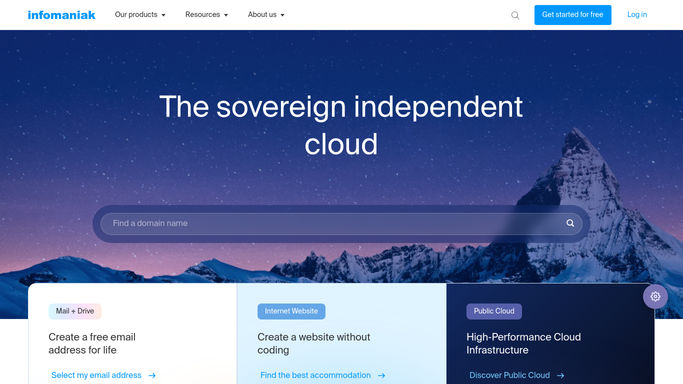


How do I track my Infomaniak hosting, storage, and email usage daily?
WebRun checks your Infomaniak account every morning, reading usage across hosting, kDrive storage, and email against each plan limit. It logs the day's numbers on your Calendar for a running history and messages you the digest on WhatsApp, flagging anything approaching a limit, so storage or hosting never runs out without warning.
- Hosting, storage, and email each get a daily usage check
- Plan limits get flagged before anything actually gets blocked
- A running usage history builds up on the Calendar
Built for Small business owners · freelancers · IT admins · web agencies
How is each run configured?
Secure by default
Connect once, stays signed in
WebRun signs in once and keeps each session in a persistent environment, so every run picks up right where it left off.
Every action is checked against this policy before it runs.
Questions, answered
Will it upgrade a plan or delete files to free up space?
No. WebRun only reads usage data and reports it. Upgrading a plan or deleting anything always stays a manual step you take in Infomaniak.
What counts as approaching a limit?
Usage getting close to the ceiling on hosting, kDrive storage, or email for your current plan, flagged early enough to act before anything is actually blocked.
Does it check every service on the account?
Yes. It reviews hosting, kDrive, and email together each morning, not just one service in isolation.
Related templates
Put this on autopilot.
Turn it on in minutes - or have our team set it up for you.