Keep your iHeartRadio show schedule on track
Every morning, WebRun opens iHeartRadio, checks your show's publish status and today's live segment times, saves the run sheet for each episode to Google Drive, and texts the host a reminder through Twilio ahead of their next live slot.
- No credit card
- Under $0.01 per run
- Cancel anytime
How do I get reminded before my iHeartRadio show goes live?
WebRun checks your show's schedule and episode status on iHeartRadio every morning, saves a dated run sheet to Google Drive for each episode, and texts the host through Twilio 30 minutes before any scheduled live segment, so nobody misses air time and every episode has a logged record.
- Hosts get a text reminder before every live segment
- Every episode has a dated run sheet without manual filing
- Publish status is checked every morning before listeners notice a delay
Built for Radio show producers · Podcast production teams · Broadcast talent managers · Media network operations
What does WebRun do on every run?
The exact actions WebRun takes, in order - in plain language, so you can adjust anything.
-
WebRun signs in and gets to work
Opens
www.iheart.com/loginin a real browser with your saved login - no setup, no API keys. -
1
iHeartRadio - check show schedule and episode status
iheart.com
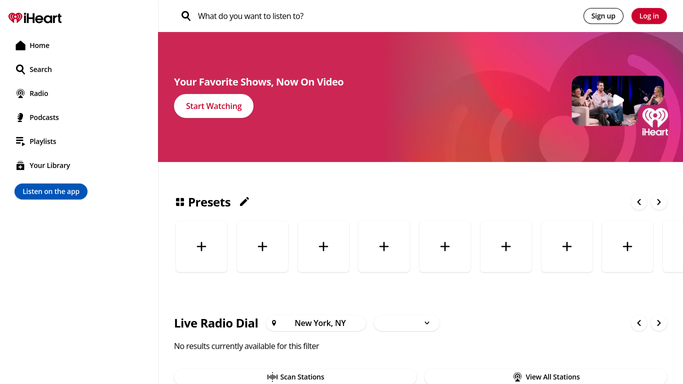
WebRun opens iHeartRadio to check show schedule and episode status. - Open the show's dashboard on iHeartRadio
- Check today's publish status for the latest episode
- Note the start time for any live segment scheduled today
Done when Today's episode status and live segment times are captured.
-
2
Google Drive - log each episode's run sheet
drive.google.com How to Automate Google Drive

WebRun opens Google Drive to log each episode's run sheet. - Open the show's run sheet folder
- Save or update today's run sheet with the episode status and segment times
- File it under the correct date
Done when Today's run sheet is saved and dated in Drive.
-
3
Twilio - text the host before air time
twilio.com How to Automate Twilio

WebRun opens Twilio to text the host before air time. - Text the host a reminder 30 minutes before a scheduled live segment
- Include the segment time and any note from the run sheet
- Send nothing on days with no live segment
Done when The host has been texted ahead of every live segment today, and nothing else.
How is each run configured?
Secure by default
Connect once, stays signed in
WebRun signs in once and keeps each session in a persistent environment, so every run picks up right where it left off.
Every action is checked against this policy before it runs.
Questions, answered
Does WebRun publish or edit episodes for me?
No. WebRun only reads the show's schedule and publish status. Publishing, editing, or uploading an episode is always done by your team.
Will the host get texted on days with no live segment?
No. Twilio only sends a reminder when today's schedule actually has a live segment. Quiet days stay quiet.
Where do the run sheets end up?
In your own Google Drive folder, dated and organized by episode, so your team has a running record without building one by hand.
Related templates
Put this on autopilot.
Turn it on in minutes - or have our team set it up for you.