Run a clean iFood menu launch checklist
Every Monday, WebRun opens iFood, checks the partner menu for new items awaiting approval, schedules the go-live date on Google Calendar, and notifies the kitchen and ops team in Microsoft Teams so a new item never sits approved but unpublicized.
- No credit card
- Under $0.01 per run
- Cancel anytime
How do I coordinate a new iFood menu item launch with my kitchen team?
WebRun checks iFood every Monday for new menu items awaiting approval, schedules the go-live date on Google Calendar, and notifies the kitchen and ops team in Microsoft Teams. Restaurant partners launch new items on a planned date instead of an approved item sitting unpublicized for weeks.
- Approved items get a scheduled launch instead of sitting idle
- The kitchen knows what's launching before it goes live
- Stuck approvals get flagged every week until resolved
Built for restaurant owners · restaurant operations managers · multi location restaurant groups · menu and culinary teams
What does WebRun do on every run?
The exact actions WebRun takes, in order - in plain language, so you can adjust anything.
-
WebRun signs in and gets to work
Opens
www.ifood.com.br/loginin a real browser with your saved login - no setup, no API keys. -
1
iFood - check new menu items awaiting approval
ifood.com.br
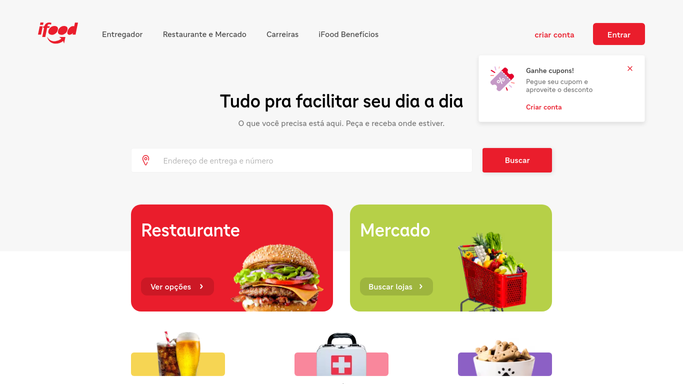
WebRun opens iFood to check new menu items awaiting approval. - Open the partner menu editor and check pending items
- Note which items are approved and ready to publish
- Flag anything still waiting on approval
Done when Every pending and approved menu item is captured.
-
2
Google Calendar - schedule the go-live date
calendar.google.com How to Automate Google Calendar

WebRun opens Google Calendar to schedule the go-live date. - Add a go-live event for each approved item
- Set it for the kitchen's next planning day
- Leave items still awaiting approval unscheduled
Done when Every approved item has a scheduled go-live date.
-
3
Microsoft Teams - notify the kitchen and ops team
microsoft.com How to Automate Microsoft Teams

WebRun opens Microsoft Teams to notify the kitchen and ops team. - Notify the kitchen and ops team of this week's launch schedule
- List each item and its go-live date
- Flag anything still stuck awaiting approval
Done when The kitchen and ops team have this week's launch checklist.
How is each run configured?
Secure by default
Connect once, stays signed in
WebRun signs in once and keeps each session in a persistent environment, so every run picks up right where it left off.
Every action is checked against this policy before it runs.
Questions, answered
Will it publish a menu item or set its price?
No. WebRun only reads the pending and approved items in the menu editor. Publishing, pricing, and photography stay with the restaurant team.
How does it decide the go-live date?
It schedules approved items for the kitchen's next planning day, giving staff time to prep before the item actually appears on the live menu.
What happens to items still awaiting approval?
They're flagged in the Teams message every week until they're approved, so nothing sits stuck without anyone noticing.
Related templates
Put this on autopilot.
Turn it on in minutes - or have our team set it up for you.