Catch deals that have gone quiet on calls
Every Monday, WebRun opens Gong, compares your open deals against recent call activity, lists every deal with no recorded call in the last two weeks into a Google Sheet, and drafts a short check in email in Gmail for each one so a rep only has to review and send.
- No credit card
- Under $0.01 per run
- Cancel anytime
What does WebRun do on every run?
The exact actions WebRun takes, in order - in plain language, so you can adjust anything.
-
WebRun signs in and gets to work
Opens
app.gong.ioin a real browser with your saved login - no setup, no API keys. -
1
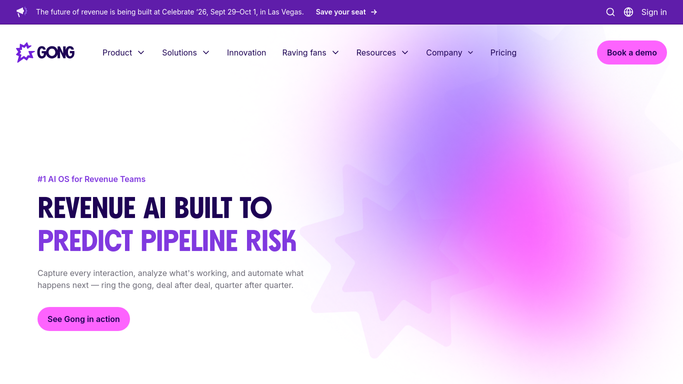
Gong - find deals with no recent call
gong.io

WebRun opens Gong to find deals with no recent call. - Open Gong and review call activity across open deals
- Flag every deal with no recorded call in the last two weeks
- Note the deal owner and the date of the last call for each
Done when Every deal that has gone quiet on calls is identified with its last call date.
-
2
Google Sheets - log the quiet deal list
google.com How to Automate Google Sheets
WebRun opens Google Sheets to log the quiet deal list. - Log each quiet deal with its owner, value, and days since the last call
- Sort so the longest silences appear first
- Keep last week's rows so the trend is visible over time
Done when The quiet deal tracker in Sheets reflects today's Gong check.
-
3
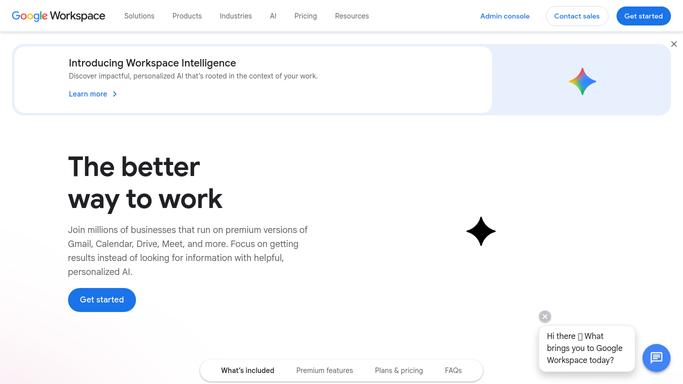
Gmail - draft a check in email
gmail.com How to Automate Gmail
WebRun opens Gmail to draft a check in email. - Draft a short, friendly check in email for each stalled contact
- Reference the last conversation topic where Gong has it on record
- Save every message as a draft and leave it unsent for review
Done when A check in draft sits in Gmail for every deal that has gone quiet.
How do I find deals that have gone quiet on calls?
Every Monday, WebRun opens Gong and compares your open deals against recent call activity, flagging any deal with no recorded call in the last two weeks. It logs the gap to a Google Sheet with the owner and days of silence, then drafts a short check in email in Gmail for each stalled contact, so quiet deals get a nudge before they go cold.
- Deals with no recent call surface every Monday, not at forecast time
- Each stalled contact gets a drafted check in ready for review
- The Sheet builds a week over week view of pipeline silence
Built for B2B sales teams · sales managers · revenue operations · account executives
How is each run configured?
Secure by default
Connect once, stays signed in
WebRun signs in once and keeps each session in a persistent environment, so every run picks up right where it left off.
Every action is checked against this policy before it runs.
Questions, answered
Will it email the prospect without a rep's approval?
No. WebRun only drafts the check in email in Gmail and leaves it unsent. The deal owner reviews and sends each one themselves.
How does it decide a deal has gone quiet?
It reads the actual call recordings and dates logged in Gong, so a deal only lands on the list once it has genuinely had no call in the last two weeks.
What if a call happened but was not recorded in Gong?
WebRun can only see what Gong has recorded, so make sure the rep's calling tool is connected. A manually written note on the deal will not clear it from the list.
Related templates
Put this on autopilot.
Turn it on in minutes - or have our team set it up for you.