Score your weekly Gliffy activity for you
Every Friday, WebRun opens Gliffy, lists every diagram updated this week such as process flowcharts and org charts, logs the count and which diagrams changed in Google Sheets, and drafts a Gmail weekly summary for the ops lead, leaving it unsent so they can review it before it goes to anyone else.
- No credit card
- Under $0.01 per run
- Cancel anytime
What does WebRun do on every run?
The exact actions WebRun takes, in order - in plain language, so you can adjust anything.
-
WebRun signs in and gets to work
Opens
www.gliffy.comin a real browser with your saved login - no setup, no API keys. -
1
Gliffy - list diagrams updated this week
gliffy.com

WebRun opens Gliffy to list diagrams updated this week. - Open Gliffy and list every diagram updated this week
- Note the diagram type and which team or process it documents
- Flag any diagram not updated in over three months
Done when Every diagram updated this week has been listed.
-
2
Google Sheets - log the weekly changes
google.com How to Automate Google Sheets
WebRun opens Google Sheets to log the weekly changes. - Log the weekly count and which diagrams changed in Google Sheets
- Add a row per week so trends are visible over time
- Note any diagram flagged as outdated
Done when The weekly count is logged in Sheets.
-
3
Gmail - draft a summary email
gmail.com How to Automate Gmail
WebRun opens Gmail to draft a summary email. - Draft a Gmail weekly summary for the ops lead with the count and any outdated diagrams
- Keep it short and scannable
- Leave the email unsent for review
Done when A summary draft exists in Gmail for the ops lead.
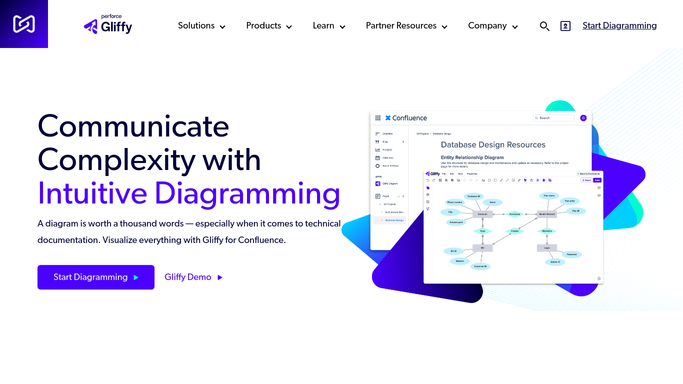


How do I track weekly diagram activity and keep process documentation current in Gliffy?
WebRun tallies every Gliffy diagram updated each week, logs the count and which ones changed in Google Sheets, and drafts a Gmail summary for the ops lead. It flags diagrams untouched for over three months, so process documentation stays current without a manual quarterly review.
- Outdated process diagrams get flagged before they mislead someone
- The ops lead reviews one drafted summary instead of checking Gliffy directly
- Diagram activity trends are visible in one running sheet
Built for operations teams · IT teams · business analysts · process improvement teams
How is each run configured?
Secure by default
Connect once, stays signed in
WebRun signs in once and keeps each session in a persistent environment, so every run picks up right where it left off.
Every action is checked against this policy before it runs.
Questions, answered
Does it create or edit diagrams itself?
No. WebRun only counts and logs diagrams your team has already updated in Gliffy. All diagramming stays a manual task.
What counts as an outdated diagram?
Any diagram not updated in over three months. It gets flagged in the summary so process documentation does not quietly drift out of date.
Will the ops lead get an email every week automatically?
The email is drafted every week, but it always stays unsent until the ops lead reviews and sends it themselves.
Related templates
Put this on autopilot.
Turn it on in minutes - or have our team set it up for you.