Automated Gladly Repeat Contact Tracking
Every Monday, WebRun opens Gladly, reviews each customer's unified conversation history across channels for the past week, saves a repeat-contact summary report to Google Drive, and flags customers who contacted support 3 or more times to the support Slack channel.
How do I spot Gladly customers who keep contacting support repeatedly?
WebRun reviews each customer's unified Gladly conversation history every Monday, saves a repeat-contact summary to Google Drive, and flags anyone who reached out 3 or more times in a week to Slack. This surfaces customers who likely weren't resolved the first time, giving support leads a clear list to review instead of hunting through individual conversations.
- Repeat contacts get surfaced weekly instead of going unnoticed across channels
- Support leads see a saved trend report, not just a one-off list
- Customers who weren't resolved the first time get a second look
Built for customer experience teams · support team leads · customer service quality teams · retail and ecommerce support
What does WebRun do on every run?
The exact actions WebRun takes, in order - in plain language, so you can adjust anything.
-
WebRun signs in and gets to work
Opens
gladly.comin a real browser with your saved login - no setup, no API keys. -
1
Gladly - review weekly conversation history
gladly.com
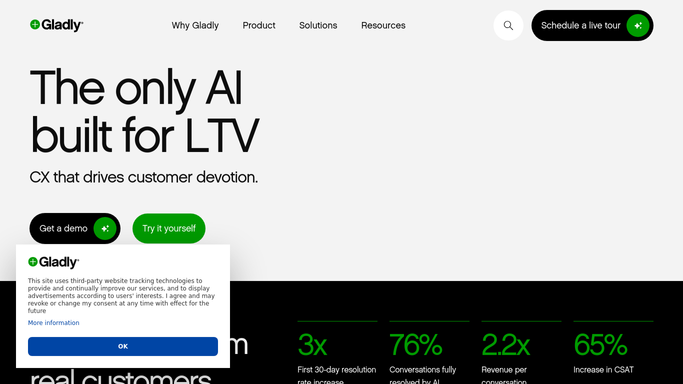
WebRun opens Gladly to review weekly conversation history. - Open Gladly and pull each customer's conversation history for the past 7 days
- Count how many separate contacts each customer made, across any channel
- Capture the topic for customers who contacted support 3 or more times
Done when Every customer's weekly contact count is captured, across all channels.
-
2
Google Drive - save the repeat-contact report
drive.google.com

WebRun opens Google Drive to save the repeat-contact report. - Open the customer experience reports folder in Google Drive
- Save this week's repeat-contact summary as a dated report
- Include the contact count and topic for each flagged customer
Done when This week's repeat-contact report is saved in Drive.
-
3
Slack - flag repeat contacts
slack.com

WebRun opens Slack to flag repeat contacts. - Post the list of customers with 3 or more contacts to the support Slack channel
- Include the contact count and topic for each
- Leave the follow-up decision to the support team
Done when The support channel has this week's repeat-contact list in Slack.
How is each run configured?
Secure by default
Connect once, stays signed in
WebRun signs in once and keeps each session in a persistent environment, so every run picks up right where it left off.
Every action is checked against this policy before it runs.
Questions, answered
Does WebRun contact the customer about their repeat issue?
No. WebRun never contacts a customer. It only flags the pattern to your support team so a person can decide how to follow up.
How does it count contacts across different channels?
It reads each customer's unified conversation history in Gladly, which already tracks a person across channels, so a phone call and a chat from the same customer both count.
Why 3 contacts as the threshold?
It's a reasonable starting point for flagging a customer who likely didn't get resolved the first time. WebRun reads the actual count from Gladly so you can tune the threshold to your team.
Related templates
Put this on autopilot.
Turn it on in minutes - or have our team set it up for you.