Stop your gaming lounge from blowing past GeForce NOW session limits
Every morning, WebRun checks the GeForce NOW account dashboard for yesterday's session usage, logs the running monthly total to Trello, and alerts the team in Microsoft Teams only once usage crosses a set percentage of the plan limit.
- No credit card
- Under $0.01 per run
- Cancel anytime
How do I track GeForce NOW session usage against a monthly plan limit?
WebRun tracks your gaming lounge's GeForce NOW session usage every morning, logs the running monthly total to Trello, and alerts the team in Microsoft Teams only once usage crosses 75 percent, 90 percent, or the full plan limit. Usage stays visible daily instead of becoming a surprise at the billing cap.
- Usage overruns get caught at 75 percent, not at the billing cap
- Daily usage stays visible without a manual dashboard check
- Alerts only arrive when a real threshold is actually crossed
Built for Gaming lounge and cafe owners · Esports training facilities · Internet cafe operators · Cloud gaming resellers
What does WebRun do on every run?
The exact actions WebRun takes, in order - in plain language, so you can adjust anything.
-
WebRun signs in and gets to work
Opens
play.geforcenow.comin a real browser with your saved login - no setup, no API keys. -
1
GeForce NOW - check session usage
geforcenow.com
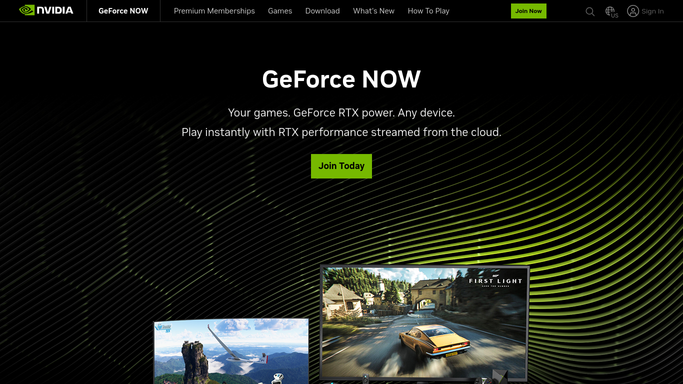
WebRun opens GeForce NOW to check session usage. - Open the GeForce NOW account dashboard and review session usage
- Note hours used yesterday and the running total for the month
- Compare against the plan's monthly session limit
Done when Yesterday's session usage has been reviewed and totaled.
-
2
Trello - log daily usage
trello.com How to Automate Trello

WebRun opens Trello to log daily usage. - Add or update a card logging the month's running usage total
- Note the remaining hours against the plan limit
- Reset the card at the start of each billing month
Done when The usage board reflects the current month's running total.
-
3
Microsoft Teams - alert on approaching the cap
microsoft.com How to Automate Microsoft Teams

WebRun opens Microsoft Teams to alert on approaching the cap. - Post an alert once usage crosses 75 percent of the monthly limit
- Repeat at 90 percent and again if the limit is reached
- Stay silent below the 75 percent threshold
Done when The team has been alerted if usage crossed a threshold today.
How is each run configured?
Secure by default
Connect once, stays signed in
WebRun signs in once and keeps each session in a persistent environment, so every run picks up right where it left off.
Every action is checked against this policy before it runs.
Questions, answered
Will it upgrade our plan or add sessions automatically?
No. WebRun only tracks usage and sends alerts. Upgrading the plan or managing the subscription is done by the lounge owner.
Will the team get alerted every single day?
No. The Teams alert only goes out once usage crosses the 75 percent, 90 percent, or full limit threshold, so most days stay quiet.
Does it track usage per customer session or overall?
It tracks the account's overall monthly usage against the plan limit, not individual customer sessions.
Related templates
Put this on autopilot.
Turn it on in minutes - or have our team set it up for you.