Keep a weekly record of your steps and sleep
Every Monday, WebRun signs in to your Fitbit dashboard, reads last week's daily steps, active minutes, and sleep duration, writes one dated row per day into an Airtable log, and adds a short weekly summary page to your Notion journal showing totals, averages, and how the week compared with the one before.
- No credit card
- Under $0.01 per run
- Cancel anytime
How do I keep a long term record of my step and sleep data?
WebRun keeps a written record of your Fitbit week. Every Monday it reads last week's daily steps, active minutes, and sleep from your dashboard, writes one dated row per day into an Airtable log, and adds a Notion journal page with the totals and how they compare with the previous week.
- A permanent day by day record that outlives any in-app history window
- Weekly totals and averages written down without exporting anything by hand
- Missing days stay visible as gaps rather than being counted as zero
Built for quantified self trackers · runners · wellness coaches · habit journalers
What does WebRun do on every run?
The exact actions WebRun takes, in order - in plain language, so you can adjust anything.
-
WebRun signs in and gets to work
Opens
www.fitbit.com/loginin a real browser with your saved login - no setup, no API keys. -
1
Fitbit - read last week's daily numbers
fitbit.com
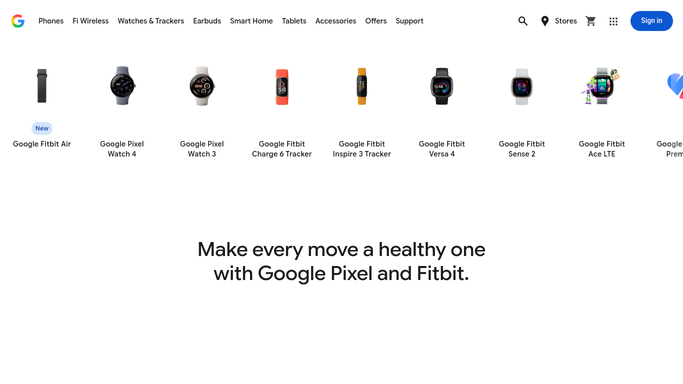
WebRun opens Fitbit to read last week's daily numbers. - Sign in to your Fitbit dashboard and set the view to last week
- Read the daily step count, active minutes, and distance for each of the seven days
- Read the sleep duration recorded for each night
- Note any day with no data recorded so gaps are visible rather than counted as zero
Done when Seven days of steps, activity, and sleep are captured, with gaps marked.
-
2
Airtable - log one row per day
airtable.com How to Automate Airtable

WebRun opens Airtable to log one row per day. - Open your activity log base in Airtable
- Add one row per day with the date, steps, active minutes, distance, and sleep hours
- Leave the field blank rather than entering zero where the tracker recorded nothing
- Skip days that already have a row so a rerun never duplicates the week
Done when Airtable holds one row for each day of last week.
-
3
Notion - write the weekly summary
notion.so How to Automate Notion

WebRun opens Notion to write the weekly summary. - Add a weekly page to your journal database in Notion
- Write total steps, average sleep, and total active minutes for the week
- Compare each figure with the previous week and note the direction of travel
- Report the numbers plainly. Do not give health or training advice
Done when Last week has a summary page in your Notion journal.
How is each run configured?
Secure by default
Connect once, stays signed in
WebRun signs in once and keeps each session in a persistent environment, so every run picks up right where it left off.
Every action is checked against this policy before it runs.
Questions, answered
Is my data shared anywhere?
No. The numbers go only to your own Airtable base and your own Notion journal. Nothing is posted publicly, shared to a Fitbit community feed, or sent to anyone else.
Does it give health or fitness advice?
No. WebRun records the figures your tracker already shows and compares them with last week. It does not interpret them, set targets, or offer medical, dietary, or training guidance.
Will it change anything in my Fitbit account?
No. It reads the dashboard only. It never logs an activity, edits a goal, joins a challenge, adds a friend, or changes any account setting.
Related templates
Put this on autopilot.
Turn it on in minutes - or have our team set it up for you.