Keep proof of who received every file you sent
Every Monday, WebRun signs in to Filemail, lists the transfers you sent in the last week with their recipients, file names, send dates, and download activity, drafts one proof-of-delivery email per client in Gmail and leaves it unsent under a label you can search years later, and sends you the week's record on WhatsApp.
- No credit card
- Under $0.01 per run
- Cancel anytime
How do I prove a client received and downloaded the files I sent?
WebRun reads your Filemail transfers every Monday and records which recipient downloaded which files and when. It drafts a labelled proof-of-delivery email per client in Gmail, left unsent for you to approve, and sends the week's record to WhatsApp, so delivery can be proven after links expire.
- Delivery can be proven months after the transfer link expires
- Transfers nobody downloaded surface while the link is still live
- The proof email is written for you and waits for your approval
Built for video producers · account managers · photographers · agencies
What does WebRun do on every run?
The exact actions WebRun takes, in order - in plain language, so you can adjust anything.
-
WebRun signs in and gets to work
Opens
www.filemail.comin a real browser with your saved login - no setup, no API keys. -
1
Filemail - read transfers and download activity
filemail.com
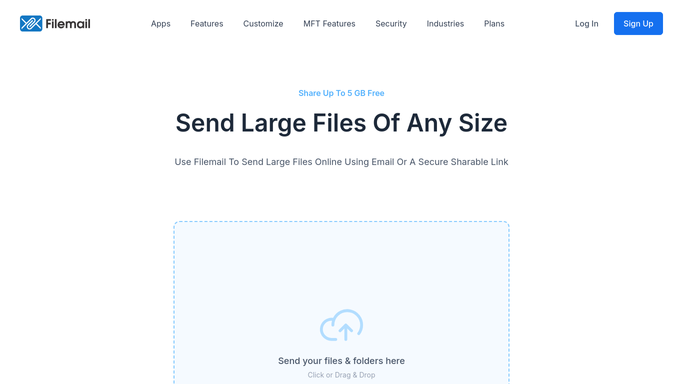
WebRun opens Filemail to read transfers and download activity. - Sign in to Filemail and open your sent transfers
- Capture each transfer from the last week: file names, size, recipients, and send date
- Read the download activity for each recipient and record whether and when they collected it
- Flag transfers nobody has downloaded and transfers whose link expires soon
Done when Every transfer sent this week has its recipients and download times recorded.
-
2
Gmail - draft the proof-of-delivery record
gmail.com How to Automate Gmail

WebRun opens Gmail to draft the proof-of-delivery record. - Draft one email per client listing their transfer, the files, and the exact download times
- Apply your delivery proof label so the record stays searchable long after the link expires
- Leave every email unsent. WebRun never emails a client on its own, so you decide which proofs are worth sending
Done when A labelled, unsent proof email exists in Gmail for every client who received files.
-
3
WhatsApp - send you the week's record
whatsapp.com How to Automate WhatsApp

WebRun opens WhatsApp to send you the week's record. - Send yourself or the team chat this week's delivery summary
- List transfers nobody downloaded first, then the collected ones with their timestamps
- Call out any link expiring in the next few days so it can be resent while it still matters
Done when You have this week's delivery record on WhatsApp.
How is each run configured?
Secure by default
Connect once, stays signed in
WebRun signs in once and keeps each session in a persistent environment, so every run picks up right where it left off.
Every action is checked against this policy before it runs.
Questions, answered
Will it email clients without me?
No. Every proof-of-delivery email is left as an unsent Gmail draft under your label. You choose which ones to send, so a client only hears from you when you decide they should.
Why not just leave the record in Filemail?
Transfer links expire, and the download history goes with them. Keeping the record in Gmail and in your WhatsApp thread means you can still show a delivery time months after the transfer itself is gone.
Does it download or re-upload the files?
No. WebRun records the transfer details only: file names, recipients, send dates, and download times. The files themselves stay in Filemail and are never copied.
Related templates
Put this on autopilot.
Turn it on in minutes - or have our team set it up for you.