Hand off signed eSignatures.io contracts to onboarding
The moment a contract finishes signing in eSignatures.io, WebRun reads the client's name, contract type, and signed date, creates an onboarding card on the Trello board with those details, and drafts a WhatsApp welcome message for staff to review and send.
- No credit card
- Under $0.01 per run
- Cancel anytime
How do I start onboarding automatically once an eSignatures.io contract is signed?
The moment a contract finishes signing in eSignatures.io, WebRun creates a Trello onboarding card with the client's name, contract type, and signed date, and drafts a WhatsApp welcome message for staff to send. Newly signed clients get an onboarding handoff started the same minute the paperwork closes, not whenever someone checks in.
- Onboarding starts the minute a contract is signed, not days later
- Every new client gets a Trello card with the right context attached
- The welcome message is drafted and ready, never sent unchecked
Built for Agencies · consultants · SaaS onboarding teams · service businesses
What does WebRun do on every run?
The exact actions WebRun takes, in order - in plain language, so you can adjust anything.
-
WebRun signs in and gets to work
Opens
esignatures.ioin a real browser with your saved login - no setup, no API keys. -
1
eSignatures.io - detect the completed contract
esignatures.io
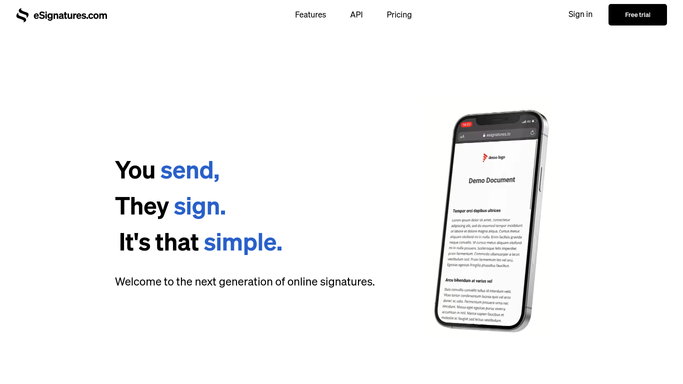
WebRun opens eSignatures.io to detect the completed contract. - Watch for contracts that move to fully signed
- Capture the client's name, contact details, and contract type
- Note the signed date and which template was used
Done when The newly signed contract's client details are captured.
-
2
Trello - create the onboarding card
trello.com How to Automate Trello

WebRun opens Trello to create the onboarding card. - Create a card on the onboarding board named for the client
- Fill in the contract type and signed date
- Assign it to whoever owns onboarding for that contract type
Done when An onboarding card exists on Trello for the newly signed client.
-
3
WhatsApp - draft the welcome message
whatsapp.com How to Automate WhatsApp

WebRun opens WhatsApp to draft the welcome message. - Draft a welcome message naming the client and what happens next
- Queue it against the client's number, unsent
- Leave it for staff to review and send
Done when A drafted welcome message is waiting for staff to send.
How is each run configured?
Secure by default
Connect once, stays signed in
WebRun signs in once and keeps each session in a persistent environment, so every run picks up right where it left off.
Every action is checked against this policy before it runs.
Questions, answered
Does the client get messaged automatically once they sign?
No. WebRun only drafts the WhatsApp welcome message. Staff review and send it, so a client only hears from you once someone has checked the message.
What triggers the onboarding card?
A contract moving to fully signed in eSignatures.io. Contracts still awaiting a signature do not create a card, so onboarding only starts once the paperwork is actually done.
Can the card include which contract template was used?
Yes. WebRun reads which template the signed contract came from and adds it to the card, so onboarding can follow the right checklist for that contract type.
Related templates
Put this on autopilot.
Turn it on in minutes - or have our team set it up for you.