Plan your ambulatory route for the day
Every morning, WebRun opens ThoroVet, gathers the day's booked farm-call appointments, orders the stops into an efficient route on Google Maps by location and time window, and sends your ambulatory team a run sheet on Telegram with the stop order, addresses, horses, and the reason for each visit.
- No credit card
- Under $0.01 per run
- Cancel anytime
What does WebRun do on every run?
The exact actions WebRun takes, in order - in plain language, so you can adjust anything.
-
WebRun signs in and gets to work
Opens
app.thorovet.comin a real browser with your saved login - no setup, no API keys. -
1
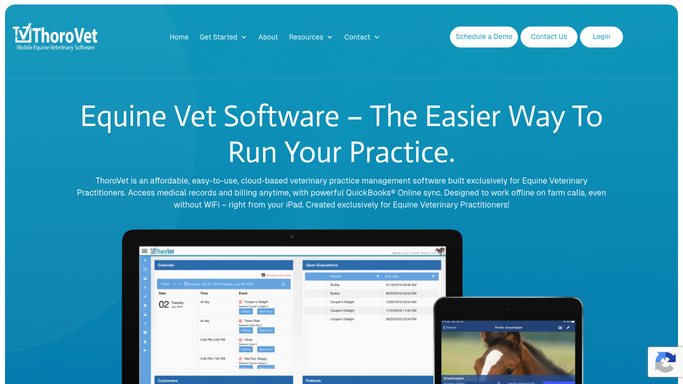
ThoroVet - gather today's booked farm calls
thorovet.com How to Automate ThoroVet

WebRun opens ThoroVet to gather today's booked farm calls. - Open ThoroVet and list all farm-call appointments booked for today
- For each, capture the barn or farm address, the horse, the owner, and the reason for the visit
- Note any appointment with a fixed time window the owner requested
- Flag any stop missing an address so it can be confirmed before the route is set
Done when Every booked farm call for today is captured with its address and time constraints.
-
2
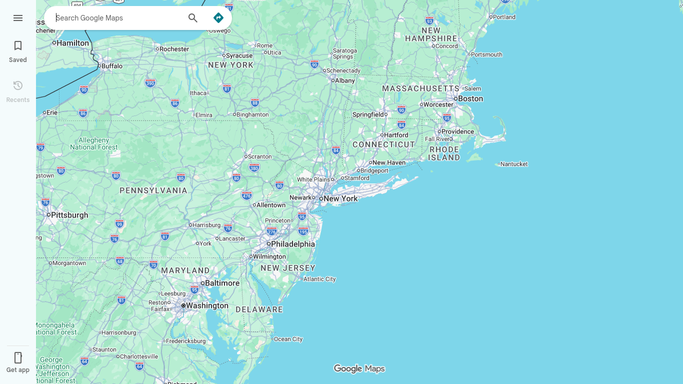
Google Maps - order the stops into an efficient route
maps.google.com How to Automate Google Maps
WebRun opens Google Maps to order the stops into an efficient route. - Plot each stop on Google Maps from its address
- Order the stops into an efficient driving sequence that respects any fixed time windows
- Estimate drive time between stops and a rough arrival time for each
- Build a shareable route link for the day
Done when The day's stops are ordered into one efficient route with estimated arrival times.
-
3
Telegram - send the run sheet to the mobile team
telegram.org How to Automate Telegram
WebRun opens Telegram to send the run sheet to the mobile team. - Post a run sheet to your mobile team's Telegram channel
- List stops in order with address, horse, owner, reason, and estimated arrival
- Include the Google Maps route link
- Note any stop still missing an address so the team can confirm it
Done when The team has today's ordered run sheet and route link in Telegram.

How do I automatically plan an efficient ambulatory farm-call route each day?
WebRun reads the day's booked farm calls from ThoroVet every morning, then orders the stops into an efficient driving route on Google Maps that respects any fixed time windows. It sends your mobile team a Telegram run sheet with the stop order, addresses, horses, reasons, and estimated arrivals, so the day drives itself in the right sequence.
- Less time driving and more time on farm calls
- Fixed-time appointments are honored in the route
- The team starts the day with one clear run sheet
Built for equine veterinarians · ambulatory vet practices · mobile veterinary teams · veterinary technicians
How is each run configured?
Secure by default
Connect once, stays signed in
WebRun signs in once and keeps each session in a persistent environment, so every run picks up right where it left off.
Every action is checked against this policy before it runs.
Questions, answered
Does it change my appointments or contact clients?
No. WebRun only reads today's booked appointments and builds a route from them. It never moves a booking, cancels a visit, or messages an owner. The run sheet is an internal note for your team.
Does it respect appointments with a set time?
Yes. Any farm call with a fixed time window the owner requested is honored in the ordering, and WebRun sequences the flexible stops around it to keep drive time down.
What if a stop is missing an address?
WebRun flags any stop without a usable address in the run sheet rather than guessing, so your team can confirm the location before heading out and the route stays accurate.
Related templates
Put this on autopilot.
Turn it on in minutes - or have our team set it up for you.