Score your team's weekly EasyPractice bookings
Every Monday, WebRun opens EasyPractice, tallies how many sessions each practitioner had booked last week, checks that total against the hours they had open on Google Calendar, and drafts a WhatsApp recap ranking who is booked solid and who has room for more clients.
- No credit card
- Under $0.01 per run
- Cancel anytime
How do I track practitioner utilization from EasyPractice bookings each week?
Every Monday, WebRun tallies each practitioner's booked hours from EasyPractice, checks that total against their available hours on Google Calendar, and drafts a WhatsApp recap ranking who is booked solid and who has open capacity. Practice managers see real utilization instead of guessing from a busy looking calendar.
- Utilization is a real weekly number instead of a guess from a busy calendar
- Practitioners with open capacity get spotted before the week is over
- The recap is drafted and ready without building a report by hand
Built for Therapy and wellness practices · clinic managers · multi practitioner studios · allied health teams
What does WebRun do on every run?
The exact actions WebRun takes, in order - in plain language, so you can adjust anything.
-
WebRun signs in and gets to work
Opens
easypractice.netin a real browser with your saved login - no setup, no API keys. -
1
EasyPractice - tally last week's bookings
easypractice.net
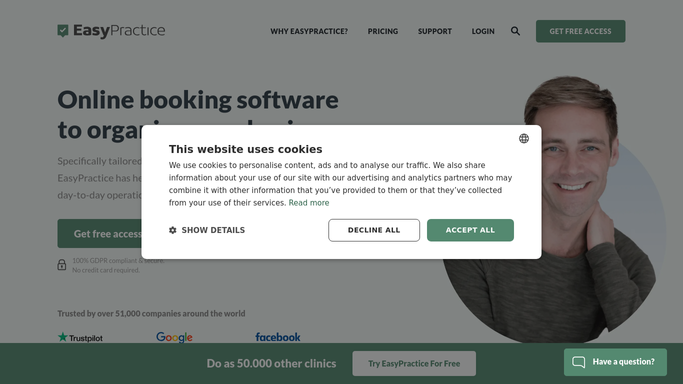
WebRun opens EasyPractice to tally last week's bookings. - Open EasyPractice and pull each practitioner's completed sessions from the past week
- Total the booked hours per practitioner
- Note any last minute cancellations that left a gap
Done when Every practitioner's booked hours for the week are totaled.
-
2
Google Calendar - check hours available
calendar.google.com How to Automate Google Calendar

WebRun opens Google Calendar to check hours available. - Open each practitioner's calendar for the same week
- Total the hours they had marked available
- Calculate booked hours as a share of available hours
Done when A utilization rate is calculated for every practitioner.
-
3
WhatsApp - draft the utilization recap
whatsapp.com How to Automate WhatsApp

WebRun opens WhatsApp to draft the utilization recap. - Draft a recap ranking practitioners by utilization rate
- Flag anyone below the team's target rate as having open capacity
- Leave the draft unsent for the practice manager to review and send
Done when A drafted utilization recap is waiting for the practice manager.
How is each run configured?
Secure by default
Connect once, stays signed in
WebRun signs in once and keeps each session in a persistent environment, so every run picks up right where it left off.
Every action is checked against this policy before it runs.
Questions, answered
Does the recap go to practitioners without review?
No. WebRun only drafts the WhatsApp recap. The practice manager reviews it and sends it themselves, so no one gets a message about their bookings unchecked.
How is utilization calculated?
It divides each practitioner's booked hours in EasyPractice by the hours they marked available on Google Calendar for the same week, giving a real capacity rate rather than a raw booking count.
Does it move sessions around to balance the load?
No. It only reports the numbers. Rebalancing bookings between practitioners is a decision the practice manager makes.
Related templates
Put this on autopilot.
Turn it on in minutes - or have our team set it up for you.