Turn every signed document into a kickoff task
Every morning, WebRun opens Dropbox Sign, lists the signature requests that reached completed status since the last run, creates a Trello kickoff card for each signed document with the signer and completion date, and sends you a short WhatsApp summary of everything now ready to start.
- No credit card
- Under $0.01 per run
- Cancel anytime
How do I automatically start work when a document is signed?
WebRun opens Dropbox Sign every morning and lists the signature requests completed since the last run. It creates one Trello kickoff card per signed document with the signers and completion date, then sends a WhatsApp summary, so signed contracts turn into started work the same day.
- Signed contracts become started work the same morning
- Every completed document has one kickoff card, never two
- The team sees the day's signed intake in one WhatsApp message
Built for agencies · professional services · onboarding teams · operations managers
What does WebRun do on every run?
The exact actions WebRun takes, in order - in plain language, so you can adjust anything.
-
WebRun signs in and gets to work
Opens
dropboxsign.comin a real browser with your saved login - no setup, no API keys. -
1
Dropbox Sign (HelloSign) - find newly completed signings
dropboxsign.com
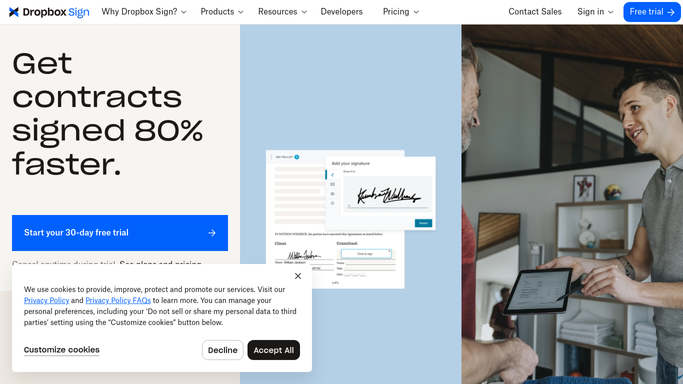
WebRun opens Dropbox Sign to find newly completed signings. - Open Dropbox Sign and go to the Documents list
- Filter to requests with a completed status since the last run
- Capture the document title, every signer, and the completion date
- Skip anything already handed off on a previous run
Done when Every signature request completed since the last run is listed with its signers and date.
-
2
Trello - open a kickoff card for each
trello.com How to Automate Trello

WebRun opens Trello to open a kickoff card for each. - Open your kickoff board and check the list for an existing card per document
- Create one card per newly signed document, titled with the client and the document name
- Add the signer names, the completion date, and a link back to the Dropbox Sign record in the card description
- Apply your kickoff checklist and leave the card unassigned for the team to claim
Done when Each newly signed document has exactly one kickoff card on the board.
-
3
WhatsApp - summarise what went live
whatsapp.com How to Automate WhatsApp

WebRun opens WhatsApp to summarise what went live. - Send your ops group a short list of the documents signed overnight
- Show the client name, the document, and the new Trello card for each
- Note the total count so the team can see the day's intake at a glance
Done when You have this morning's signed-document summary in WhatsApp.
How is each run configured?
Secure by default
Connect once, stays signed in
WebRun signs in once and keeps each session in a persistent environment, so every run picks up right where it left off.
Every action is checked against this policy before it runs.
Questions, answered
Will it email or message the people who signed?
No. WebRun only creates internal Trello cards and posts an internal WhatsApp summary. It never contacts a signer, and it never sends a new signature request on its own.
What stops it creating the same card twice?
It checks the kickoff board for a card matching that document before creating one, and it only reads requests completed since the last run, so each signed document gets exactly one card.
Can it use my own board and checklist?
Yes. Point WebRun at the Trello board and list you already use, and it applies your existing kickoff checklist template to every card it opens.
Related templates
Put this on autopilot.
Turn it on in minutes - or have our team set it up for you.