Turn the questions agents keep answering into articles
Every Monday, WebRun reads a week of Deskpro tickets, clusters them by subject, checks each cluster against the help center for an article that already covers it, records the gaps in Airtable with the ticket count behind each one, and drafts an article outline in Notion.
- No credit card
- Under $0.01 per run
- Cancel anytime
How do I find which help center articles are missing?
Every Monday WebRun reads a week of Deskpro tickets, clusters them by subject, and checks each cluster against your help center. Topics asked repeatedly with no article become documentation gaps: logged in Airtable with the tickets that prove demand, and drafted as outlines in Notion for your support lead to publish.
- The three or four topics worth documenting are named every Monday
- Each gap carries the ticket count that proves the demand
- Writers start from an outline drawn from answers agents already gave
Built for support leads · knowledge managers · customer service teams · SaaS companies
What does WebRun do on every run?
The exact actions WebRun takes, in order - in plain language, so you can adjust anything.
-
WebRun signs in and gets to work
Opens
www.deskpro.comin a real browser with your saved login - no setup, no API keys. -
1
Deskpro - cluster a week of tickets by topic
deskpro.com
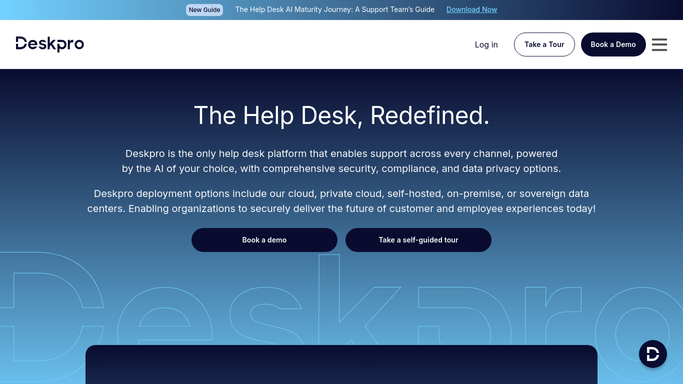
WebRun opens Deskpro to cluster a week of tickets by topic. - Sign in to Deskpro and open the tickets from the last seven days
- Group them by subject and label to find the questions asked more than once
- Record the department and the agents answering each repeat topic
- Search the help center for an existing article covering each cluster
- Keep the clusters with no article, and note the ticket count and typical answer for each
Done when Every repeat ticket topic is either matched to an article or marked as a gap.
-
2
Airtable - log the documentation gaps
airtable.com How to Automate Airtable

WebRun opens Airtable to log the documentation gaps. - Add a row per documentation gap with the topic, ticket count and department
- Link the ticket references that prove the demand
- Update the count on gaps carried over from previous weeks so recurring ones climb
- Mark gaps as closed once an article exists
Done when Airtable holds every open documentation gap with the tickets behind it.
-
3
Notion - draft the article outlines
notion.so How to Automate Notion

WebRun opens Notion to draft the article outlines. - Create a draft page for the three or four gaps with the most tickets behind them
- Outline each article from the answers agents actually gave, with the steps in order
- Note the tickets the outline was drawn from so the writer can check the detail
- Leave every page as an unpublished draft. The support lead edits and publishes, WebRun never publishes to the help center
Done when Each top gap has a draft outline waiting in Notion.
How is each run configured?
Secure by default
Connect once, stays signed in
WebRun signs in once and keeps each session in a persistent environment, so every run picks up right where it left off.
Every action is checked against this policy before it runs.
Questions, answered
Will it publish articles to the help center?
No. Outlines are left as unpublished Notion drafts for the support lead to edit and publish. Nothing reaches your customers without a person reading it first.
Does it reply to any tickets?
No. WebRun reads a week of tickets to find patterns and never opens, replies to or closes one. The ticket queue is untouched by this run.
How does it know an article is missing?
It searches your help center for each repeat topic before calling it a gap, so a question already documented is skipped and only genuinely undocumented topics reach the list.
Related templates
Put this on autopilot.
Turn it on in minutes - or have our team set it up for you.