Get a weekly DBS Bank cash flow scorecard
Every Monday, WebRun opens DBS Bank, pulls the week's inflows and outflows, adds the numbers to your weekly finance review in Google Calendar, and sends you the cash flow scorecard on WhatsApp so you start the week with a clear number.
- No credit card
- Under $0.01 per run
- Cancel anytime
How do I get a weekly cash flow summary from my DBS Bank account?
WebRun pulls your DBS Bank inflows and outflows every Monday, adds the numbers to your weekly finance review in Google Calendar, and sends the cash flow scorecard on WhatsApp. It never moves money itself, giving you a consistent weekly read on cash flow without building the report from statements by hand.
- Cash flow lands on WhatsApp every Monday instead of waiting for a statement
- The weekly finance review starts with numbers already attached
- Trends versus the prior week are visible without manual comparison
Built for small business owners · finance managers · startup founders · treasury teams
What does WebRun do on every run?
The exact actions WebRun takes, in order - in plain language, so you can adjust anything.
-
WebRun signs in and gets to work
Opens
www.dbs.comin a real browser with your saved login - no setup, no API keys. -
1
DBS Bank - pull inflows and outflows
dbs.com
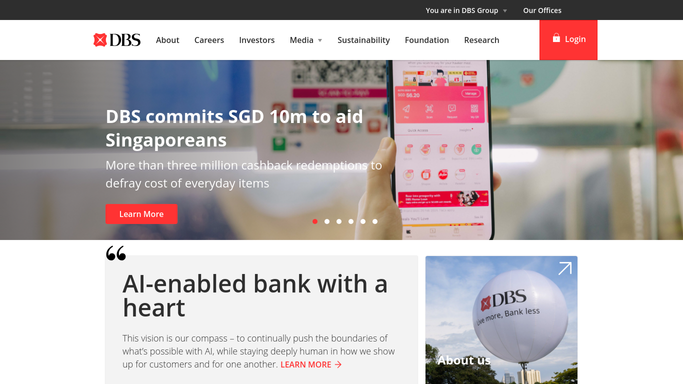
WebRun opens DBS Bank to pull inflows and outflows. - Open DBS Bank business banking and pull the week's transactions
- Total the inflows and outflows separately
- Compare net cash flow against the prior week
Done when The week's inflows, outflows, and net change are captured.
-
2
Google Calendar - log the weekly review
calendar.google.com How to Automate Google Calendar

WebRun opens Google Calendar to log the weekly review. - Attach the week's cash flow numbers to the finance review event
- Note the trend versus the prior week
- Skip creating a duplicate event if one exists
Done when This week's review event has the cash flow numbers attached.
-
3
WhatsApp - send the scorecard
whatsapp.com How to Automate WhatsApp

WebRun opens WhatsApp to send the scorecard. - Send the week's inflow, outflow, and net total
- Note whether the trend is up or down from last week
- Keep the message short and scannable
Done when You've received this week's cash flow scorecard on WhatsApp.
How is each run configured?
Secure by default
Connect once, stays signed in
WebRun signs in once and keeps each session in a persistent environment, so every run picks up right where it left off.
Every action is checked against this policy before it runs.
Questions, answered
Will it move money to improve the cash flow number?
No. WebRun never sends a payment, issues a refund, or transfers funds on its own. It only reads transaction data and reports the totals, leaving any transfer to you.
What counts as an inflow or outflow?
Inflows are deposits and incoming payments, outflows are withdrawals and outgoing payments, both read live from DBS Bank so the totals reflect the current week.
Does the calendar event get cluttered with duplicates?
No. It checks for an existing review event before creating a new one, so the numbers simply attach to that week's event.
Related templates
Put this on autopilot.
Turn it on in minutes - or have our team set it up for you.