Catch the laptop that quietly stopped backing up
Every morning, WebRun signs into CrashPlan, lists the devices whose last completed backup is older than your threshold, drafts a short Gmail nudge to each device owner for you to approve, and sends the alert list to your IT WhatsApp group.
- No credit card
- Under $0.01 per run
- Cancel anytime
What does WebRun do on every run?
The exact actions WebRun takes, in order - in plain language, so you can adjust anything.
-
WebRun signs in and gets to work
Opens
www.crashplan.comin a real browser with your saved login - no setup, no API keys. -
1
CrashPlan - find devices missing a backup
crashplan.com

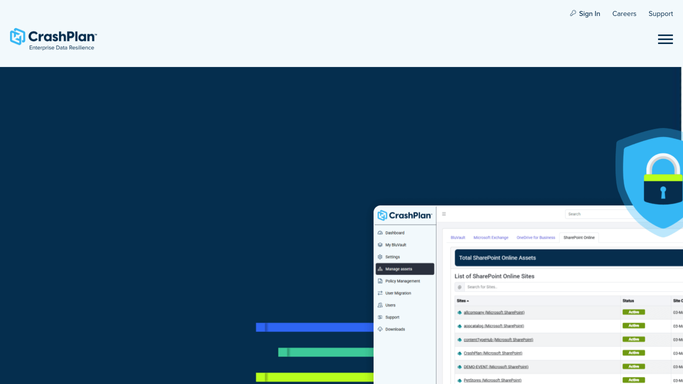
WebRun opens CrashPlan to find devices missing a backup. - Sign into your CrashPlan console and open the devices view
- Read the last completed backup time and the current backup state for every device
- Flag any device whose last completed backup is older than your threshold, for example 72 hours
- Capture the device name, the assigned user, the last completed backup, and the reported state
- Separate devices that are simply offline from devices that are online but failing, since the fix differs
Done when Every device past the backup threshold is listed with its owner, last backup time, and whether it is offline or failing.
-
2
Gmail - draft a nudge to each owner
gmail.com How to Automate Gmail
WebRun opens Gmail to draft a nudge to each owner. - Open Gmail and draft one short message per device owner
- State the device, how long since the last completed backup, and the one action you want: leave the machine on and connected
- Leave every message in Drafts. WebRun never sends an email on its own
- Group multiple devices belonging to the same person into a single draft
- Skip owners already drafted inside your cooldown window
Done when One unsent Gmail draft per affected owner sits in Drafts, with cooldowns respected.
-
3
WhatsApp - send the alert list
whatsapp.com How to Automate WhatsApp
WebRun opens WhatsApp to send the alert list. - Send the alert list to your IT group
- Lead with devices online but failing, then devices offline the longest
- Show the device, the owner, and the days since the last completed backup
- Note how many owner drafts are waiting for approval in Gmail
- Stay quiet when every device is inside the threshold
Done when The IT group has today's alert, or nothing was sent because every backup is current.


How do I find out when a laptop stops backing up?
WebRun checks your CrashPlan devices every morning and finds any whose last completed backup is older than your threshold. It separates offline machines from ones that are online but failing, drafts a Gmail nudge to each owner for you to approve, and sends the alert list to your IT WhatsApp group.
- A stalled backup is caught within a day instead of at audit time
- Owners get a specific nudge naming their device and the gap
- No email leaves your account without you sending it
Built for IT administrators · managed service providers · security and compliance teams · operations managers
How is each run configured?
Secure by default
Connect once, stays signed in
WebRun signs in once and keeps each session in a persistent environment, so every run picks up right where it left off.
Every action is checked against this policy before it runs.
Questions, answered
Will it email staff without me seeing the message?
No. Every nudge is left as an unsent Gmail draft with the device and the backup age filled in. You read it and send it. A cooldown also stops the same person being drafted daily.
Can it restore files or change a backup plan?
No. WebRun only reads device status in CrashPlan. It never starts a restore, never changes a backup set or schedule, and never removes a device. Every change stays with your administrator.
Does it tell offline devices apart from failing ones?
Yes. A laptop that is simply switched off is listed separately from a device that is online but not completing a backup, because the second one usually needs a real fix rather than a reminder.
Related templates
Put this on autopilot.
Turn it on in minutes - or have our team set it up for you.