Reconcile your trust account before it's out of balance
Every Monday, WebRun opens CosmoLex, compares the trust ledger balance for each client matter against the bank balance, flags any mismatch, logs the reconciliation on a Trello board, and sends a WhatsApp alert to the bookkeeper if anything doesn't tie out.
- No credit card
- Under $0.01 per run
- Cancel anytime
What does WebRun do on every run?
The exact actions WebRun takes, in order - in plain language, so you can adjust anything.
-
WebRun signs in and gets to work
Opens
www.cosmolex.comin a real browser with your saved login - no setup, no API keys. -
1
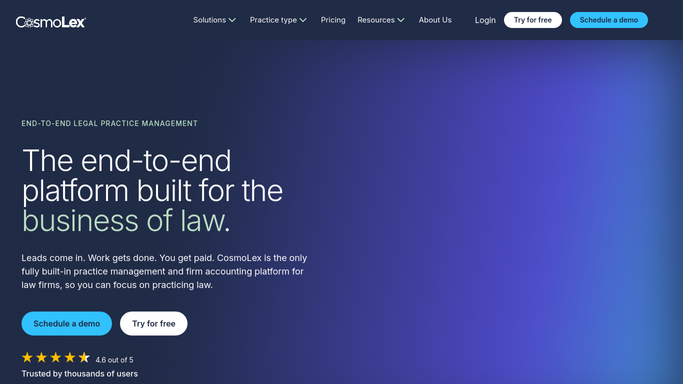
CosmoLex - compare trust ledger to bank balance
cosmolex.com

WebRun opens CosmoLex to compare trust ledger to bank balance. - Open CosmoLex and review the trust account ledger
- Compare the ledger balance per client matter against the bank statement balance
- Flag any matter where the two don't match
Done when Every client matter's trust balance has been compared to the bank.
-
2
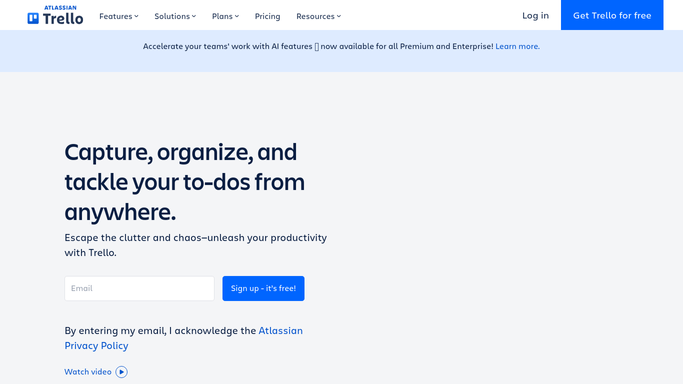
Trello - log the reconciliation by matter
trello.com How to Automate Trello
WebRun opens Trello to log the reconciliation by matter. - Open the trust reconciliation board in Trello
- Create a card for this week's reconciliation with the results per matter
- Move flagged matters to a needs-review list
Done when This week's reconciliation is logged with every matter's result.
-
3
WhatsApp - alert the bookkeeper about mismatches
whatsapp.com How to Automate WhatsApp
WebRun opens WhatsApp to alert the bookkeeper about mismatches. - Send a message to the bookkeeper only if a mismatch was found
- Include the matter name and the size of the discrepancy
- Never move funds or adjust the ledger. Leave the fix to the bookkeeper
Done when The bookkeeper has been alerted to every mismatch found.

How do I reconcile my CosmoLex trust account every week?
WebRun compares your CosmoLex trust ledger to the bank balance for every client matter each Monday, logs the reconciliation on a Trello board, and sends the bookkeeper a WhatsApp alert if anything doesn't tie out, so trust account errors are caught weekly instead of at the next audit.
- Trust account mismatches are caught weekly instead of at audit time
- Every matter's reconciliation is logged on one shared Trello board
- The bookkeeper gets a WhatsApp alert only when something doesn't tie out
Built for law firm bookkeepers · legal accounting managers · solo and small firm attorneys · legal operations teams
How is each run configured?
Secure by default
Connect once, stays signed in
WebRun signs in once and keeps each session in a persistent environment, so every run picks up right where it left off.
Every action is checked against this policy before it runs.
Questions, answered
Will it move money or fix a mismatch itself?
No. WebRun only compares balances and reports what it finds. It never transfers funds or adjusts the trust ledger on its own.
What counts as a mismatch?
Any client matter where the trust ledger balance in CosmoLex doesn't match the corresponding bank balance is flagged and logged for review.
What if everything reconciles cleanly?
It still logs a card on the Trello board confirming a clean reconciliation, so you have a dated record even when nothing was wrong.
Related templates
Put this on autopilot.
Turn it on in minutes - or have our team set it up for you.