Automated Conceptboard Board Access Reviews
Every Monday, WebRun opens Conceptboard, checks each board for outside guests and share links that are still live, sends you a WhatsApp review naming the boards with open access, and drafts an email to each board owner in Gmail so access from a finished engagement gets closed off.
How do I review who still has access to my shared boards?
WebRun reviews Conceptboard access every Monday. It reads each board's guests, roles, and live share links, sends you a WhatsApp review ordered by how long the board has been idle, and drafts an email to each board owner in Gmail, left unsent for you to approve.
- Access from a finished engagement is closed within a week
- Idle boards with open links are surfaced first
- Every owner email waits as a draft until you approve it
Built for agencies · project leads · design teams · consultancies
What does WebRun do on every run?
The exact actions WebRun takes, in order - in plain language, so you can adjust anything.
-
WebRun signs in and gets to work
Opens
app.conceptboard.comin a real browser with your saved login - no setup, no API keys. -
1
Conceptboard - list guests and live share links
conceptboard.com
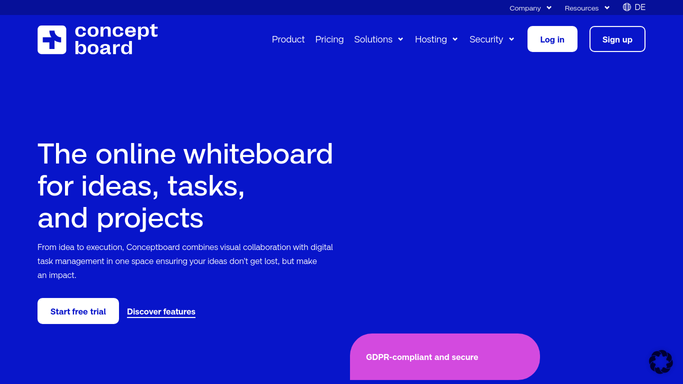
WebRun opens Conceptboard to list guests and live share links. - Sign in to Conceptboard and open the list of boards you own or administer
- For each board, read the people with access, their role, and whether they are outside your organisation
- Note any share link that is still active and how long the board has been idle
Done when Every board has its guest list, roles, and live share links captured.
-
2
WhatsApp - send you the access review
whatsapp.com

WebRun opens WhatsApp to send you the access review. - Send yourself the boards that still carry outside guests or an open share link
- Put the boards with the longest idle time first, since those are most likely finished work
- Name the board owner next to each so the follow-up has an addressee
Done when You have this week's access review on WhatsApp.
-
3
Gmail - draft a note to each board owner
gmail.com

WebRun opens Gmail to draft a note to each board owner. - Draft one email per board owner listing their boards with outside access still live
- Ask them to confirm whether each guest and link should stay or be revoked
- Leave every draft unsent in Gmail for you to review and send. WebRun never emails an owner or a guest on its own, and never revokes access inside Conceptboard
Done when A draft is waiting in Gmail for every owner with open access.
How is each run configured?
Secure by default
Connect once, stays signed in
WebRun signs in once and keeps each session in a persistent environment, so every run picks up right where it left off.
Every action is checked against this policy before it runs.
Questions, answered
Will it remove someone's access?
No. WebRun reads the access lists and reports. Revoking a guest or switching off a share link is done by a person in Conceptboard, because pulling access from a live project is hard to undo cleanly.
Does it email the board owners automatically?
No. Every owner email is written and left as an unsent draft in Gmail. You read it, edit it, and send it, so nothing reaches a colleague or a client without your say.
Does it read what is on the boards?
No. It stays on the sharing and permission side: who has access, what role they hold, and whether a share link is live. Board content is never opened or copied.
Related templates
Put this on autopilot.
Turn it on in minutes - or have our team set it up for you.