Turn every form entry into a job on the board
Every few minutes, WebRun checks Cognito Forms for new entries, reads the answers on each one, creates a Trello card in the list that matches the request type with the contact details and the full submission in the description, and sends the owner a short WhatsApp note so the job is picked up the same day.
- No credit card
- Under $0.01 per run
- Cancel anytime
How do I turn form submissions into tasks for my team?
WebRun checks Cognito Forms for new entries every few minutes, reads every answer, and creates a Trello card in the list matching that request type, with contact details and the full submission in the description. It then pings the owner on WhatsApp, so each form entry becomes an owned job.
- Every submission becomes a card within minutes
- Requests land in the right list with an owner
- Incomplete entries are flagged instead of sitting silently
Built for operations teams · service businesses · schools and nonprofits · internal request desks
What does WebRun do on every run?
The exact actions WebRun takes, in order - in plain language, so you can adjust anything.
-
WebRun signs in and gets to work
Opens
cognitoforms.comin a real browser with your saved login - no setup, no API keys. -
1
Cognito Forms - read new entries
cognitoforms.com
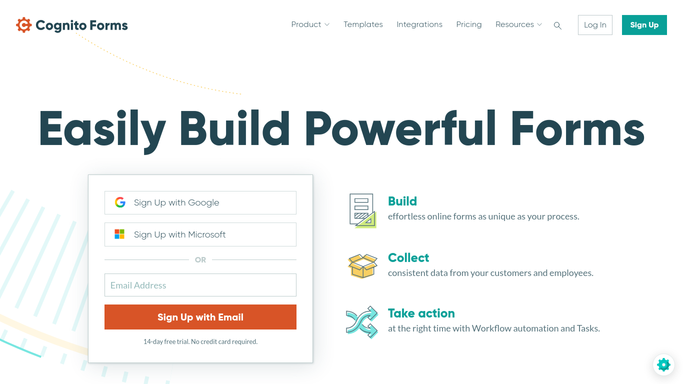
WebRun opens Cognito Forms to read new entries. - Open Cognito Forms and list entries submitted since the last run
- Read every field on each entry: contact details, request type, dates, and notes
- Note any file the submitter attached and whether required fields were left blank
- Skip entries already turned into a card so nothing is handled twice
Done when Every new entry is captured with its full set of answers.
-
2
Trello - open a routed task card
trello.com How to Automate Trello

WebRun opens Trello to open a routed task card. - Create a Trello card in the list that matches the request type on the entry
- Title it with the submitter name and what they asked for
- Put the full answers, contact details, and entry number in the description
- Set the due date from any date the form collected, and label it by request type
Done when Every new entry has one Trello card in the right list.
-
3
WhatsApp - tell the owner it landed
whatsapp.com How to Automate WhatsApp

WebRun opens WhatsApp to tell the owner it landed. - Send the owner of that list a short note that a new job landed
- Include the submitter, the request type, and any date they asked for
- Flag entries with required answers missing so someone follows up
- Never reply to the person who submitted the form. That stays a human decision
Done when The right owner knows a new entry is waiting.
How is each run configured?
Secure by default
Connect once, stays signed in
WebRun signs in once and keeps each session in a persistent environment, so every run picks up right where it left off.
Every action is checked against this policy before it runs.
Questions, answered
Will it reply to the person who submitted?
No. WebRun routes the entry internally to Trello and WhatsApp only. If you want a reply sent, WebRun can draft it, and a person reviews and sends it.
How does it decide which list a card goes in?
It reads the request type field on the entry and maps it to the list you nominate. Anything it cannot match goes to a triage list instead of guessing.
Does it edit or delete form entries?
No. The run only reads Cognito Forms. Entries, payments, and submitted files are never edited, resubmitted, or deleted.
Related templates
Put this on autopilot.
Turn it on in minutes - or have our team set it up for you.