See which school apps are actually being used
Every Monday, WebRun opens Clever, reads last week's login and usage figures for each connected application, ranks them from most to least used, opens a Trello review card for any app barely touched, and sends the district summary to WhatsApp.
- No credit card
- Under $0.01 per run
- Cancel anytime
How do I find out which school software licences are going unused?
WebRun opens Clever every Monday and reads last week's logins and active users for each connected application, broken down by school. It ranks them, opens a Trello review card for any app that stayed unused two weeks running, and sends the district summary to WhatsApp.
- Licence renewals get decided on real usage, not guesswork
- Quiet schools surface instead of hiding behind a district average
- No student-level data leaves Clever
Built for district technology directors · school IT teams · curriculum leads · edtech coordinators
What does WebRun do on every run?
The exact actions WebRun takes, in order - in plain language, so you can adjust anything.
-
WebRun signs in and gets to work
Opens
clever.comin a real browser with your saved login - no setup, no API keys. -
1
Clever - read last week's app usage
clever.com
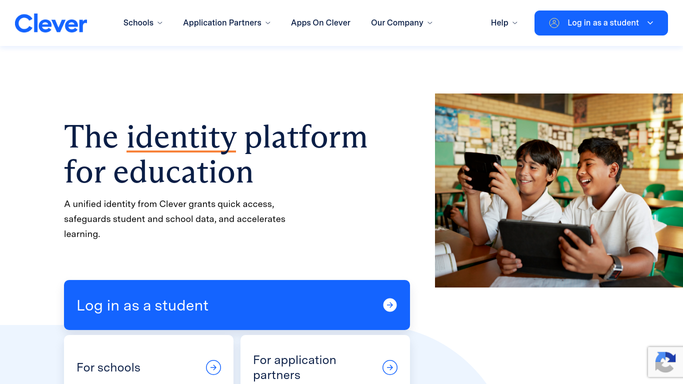
WebRun opens Clever to read last week's app usage. - Open Clever and go to the usage view for the last 7 school days
- Capture logins and active users for each connected application
- Break the numbers down by school so a district-wide average does not hide a quiet campus
- Rank applications from most to least used and note anything with almost no activity
Done when Every connected application has last week's usage figures by school.
-
2
Trello - open a review card for unused apps
trello.com How to Automate Trello

WebRun opens Trello to open a review card for unused apps. - Open the edtech review board in Trello
- Create a card for each application whose usage sat below your threshold for two weeks running
- Put the app name, the login count, and the schools involved in the card
- Skip apps that already have an open review card, and archive cards for apps whose usage recovered
Done when Every persistently unused application has one open review card.
-
3
WhatsApp - send the district summary
whatsapp.com How to Automate WhatsApp

WebRun opens WhatsApp to send the district summary. - Send the weekly summary to your technology team group on WhatsApp
- Lead with the three most used applications and their login counts
- List the applications under review and how long they have been quiet
- Report counts only. Never include student names or any individual pupil data
Done when The technology team has this week's usage summary on WhatsApp.
How is each run configured?
Secure by default
Connect once, stays signed in
WebRun signs in once and keeps each session in a persistent environment, so every run picks up right where it left off.
Every action is checked against this policy before it runs.
Questions, answered
Does it share student data?
No. WebRun reports aggregate counts only: logins and active users per application per school. It never copies a student name, an email, a roster entry, or any individual pupil record into Trello or WhatsApp.
Will it remove an app or change access?
No. WebRun never disconnects an application, revokes access, edits a sharing rule, or changes a roster. Low usage produces a Trello card for a human to review, and the decision to cut a licence stays with your team.
How low is low usage?
You set the threshold, and an app has to stay below it two weeks running before a card is created. That double check keeps a half-term break or a testing week from flagging tools the schools genuinely use.
Related templates
Put this on autopilot.
Turn it on in minutes - or have our team set it up for you.