Turn a raw list of company domains into a filled out account sheet
Upload the domain list you collected at an event and WebRun looks up each company in Clearbit, fills in industry, employee count, and location, saves the completed sheet to Google Drive, and opens a Trello card for each company that matches the profile you sell to.
- No credit card
- Under $0.01 per run
- Cancel anytime
How do I enrich a list of company domains into a full account sheet?
Upload a list of company domains and WebRun looks each one up in Clearbit, filling in industry, employee count, and location. It saves the completed sheet as a dated file in Google Drive and opens a Trello card for every company matching the profile you sell to, so reps can sort the list before their first call block.
- A raw event list comes back sorted and filled in
- Unmatched domains are flagged, never quietly dropped
- Best fit accounts land on a board ready for a rep
Built for sales reps · SDR teams · demand generation · B2B marketers
What does WebRun do on every run?
The exact actions WebRun takes, in order - in plain language, so you can adjust anything.
-
WebRun signs in and gets to work
Opens
clearbit.comin a real browser with your saved login - no setup, no API keys. -
1
Clearbit - look up each company domain
clearbit.com
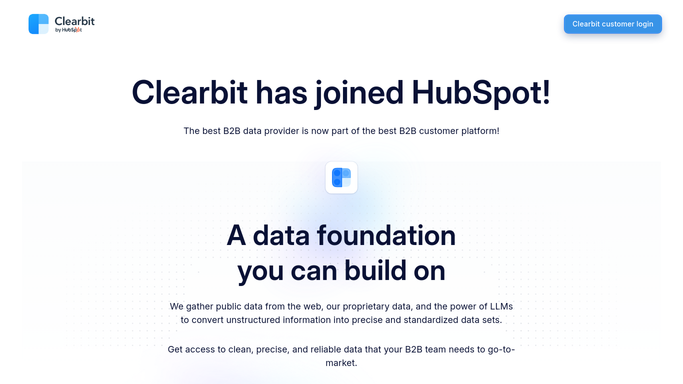
WebRun opens Clearbit to look up each company domain. - Read the domain list from the file you uploaded
- Look up each company record in Clearbit one at a time
- Capture the company name, industry, employee count, and location where available
- Mark any domain that returns no match so it is not silently dropped
- Keep the original row order so the list stays recognisable
Done when Every uploaded domain has an enrichment result or a clear no match flag.
-
2
Google Drive - save the enriched sheet
drive.google.com How to Automate Google Drive

WebRun opens Google Drive to save the enriched sheet. - Build a sheet with one row per domain and a column per enrichment field
- Put the unmatched domains at the bottom in their own block
- Save the sheet in your account folder in Google Drive, dated by run
- Keep the previous version rather than overwriting it
Done when The finished, dated sheet is saved in Drive with every row accounted for.
-
3
Trello - card the best fit accounts
trello.com How to Automate Trello

WebRun opens Trello to card the best fit accounts. - Open a card for each company that matches the size, industry, and region you sell to
- Put the enriched fields and the source list name on the card
- Sort the cards so the closest fits sit at the top of the list
- Leave the outreach to your reps. WebRun never contacts a company it enriched
Done when Every best fit company from the upload has a card ready for a rep.
How is each run configured?
Secure by default
Connect once, stays signed in
WebRun signs in once and keeps each session in a persistent environment, so every run picks up right where it left off.
Every action is checked against this policy before it runs.
Questions, answered
Will it email any of the companies it looks up?
No. WebRun enriches the list, saves the sheet to Drive, and opens Trello cards for your reps. It never contacts a company, and outreach stays entirely with the people on your team.
What happens to domains it cannot match?
They stay in the sheet in their own block at the bottom, flagged as no match. Nothing is dropped silently, so you always get back the same number of rows you handed over.
Does it overwrite last week's file?
No. Each run saves a new dated sheet in your Drive folder and leaves the previous version in place, so an earlier event list is still there when you need it.
Related templates
Put this on autopilot.
Turn it on in minutes - or have our team set it up for you.