Watch your restaurant's Chowbus order volume
Through the day, WebRun checks Chowbus for order volume and any flagged issue on the restaurant dashboard, archives a running daily export to Google Drive, and texts you the moment volume spikes well above normal or an order needs your attention.
- No credit card
- Under $0.01 per run
- Cancel anytime
How do I get alerted when my Chowbus order volume spikes?
WebRun checks Chowbus through the day for order volume and any flagged order issue, archives a running daily export to Google Drive, and texts you when volume spikes above normal or an order needs attention. It never accepts or fulfills an order itself, so a restaurant owner gets an early warning without watching the dashboard constantly.
- Order spikes are caught within 30 minutes instead of at close
- A full daily order history builds up in Drive automatically
- No order is ever accepted, fulfilled, or canceled without your staff
Built for Restaurant owners · food delivery marketplace sellers · restaurant operations managers · ghost kitchen operators
What does WebRun do on every run?
The exact actions WebRun takes, in order - in plain language, so you can adjust anything.
-
WebRun signs in and gets to work
Opens
www.chowbus.comin a real browser with your saved login - no setup, no API keys. -
1
Chowbus - check today's orders
chowbus.com
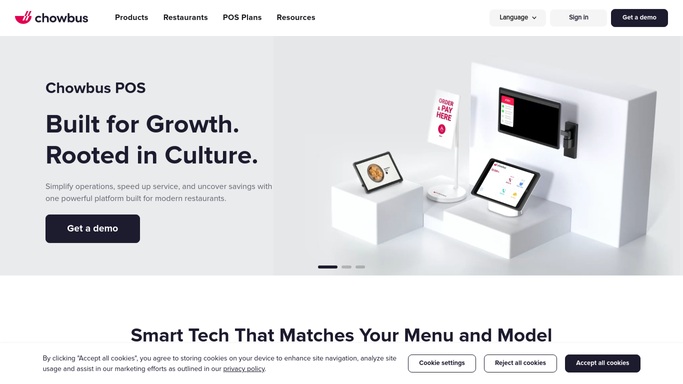
WebRun opens Chowbus to check today's orders. - Open the Chowbus restaurant dashboard
- Note the order count so far today and any order flagged as delayed or disputed
- Compare today's pace against a typical day
Done when Today's order count and any flagged issue have been checked.
-
2
Google Drive - archive the order export
drive.google.com How to Automate Google Drive

WebRun opens Google Drive to archive the order export. - Open the daily orders folder in Google Drive
- Save an updated export of today's order count and totals
- Keep prior days so volume trends are visible over time
Done when Today's order export has been saved to the folder.
-
3
Twilio - text you on a spike or issue
twilio.com How to Automate Twilio

WebRun opens Twilio to text you on a spike or issue. - Check whether order volume is running well above a normal day
- Text you if a spike or a flagged order issue is found
- Stay silent when volume and orders look normal
Done when You have been texted about any spike or flagged issue found this run.
How is each run configured?
Secure by default
Connect once, stays signed in
WebRun signs in once and keeps each session in a persistent environment, so every run picks up right where it left off.
Every action is checked against this policy before it runs.
Questions, answered
Does WebRun accept, fulfill, or cancel orders?
No. It only reads the order count and any flagged issue on the dashboard. Accepting or fulfilling an order is always handled by your kitchen and staff.
How is a spike defined?
Tell WebRun what a normal order pace looks like for your restaurant, and it will text you when the current pace runs well above that.
Where can I see order history later?
Every day's order export is archived in a Google Drive folder, so you can review volume trends whenever you need to.
Related templates
Put this on autopilot.
Turn it on in minutes - or have our team set it up for you.