Keep private podcast access matching your member list
Every Monday, WebRun opens Castos, lists everyone who can currently open each private podcast feed, compares that against the member list you keep in Google Drive, writes a reconciliation file naming who to add and who to remove, and messages you the summary on WhatsApp for approval.
- No credit card
- Under $0.01 per run
- Cancel anytime
How do I keep private podcast access matching my paying members?
Every Monday WebRun opens Castos, lists who can currently open each private podcast feed, and compares that against the member list you keep in Google Drive. It writes a reconciliation file naming who to add and who to remove, then messages you the summary on WhatsApp for approval before anything changes.
- Lapsed members stop keeping a working private feed for months
- Paying members without access are found in the same weekly pass
- Every access change is approved by a person before it happens
Built for membership site owners · podcasters · course creators · community operators
What does WebRun do on every run?
The exact actions WebRun takes, in order - in plain language, so you can adjust anything.
-
WebRun signs in and gets to work
Opens
castos.comin a real browser with your saved login - no setup, no API keys. -
1
Castos - list current private subscribers
castos.com
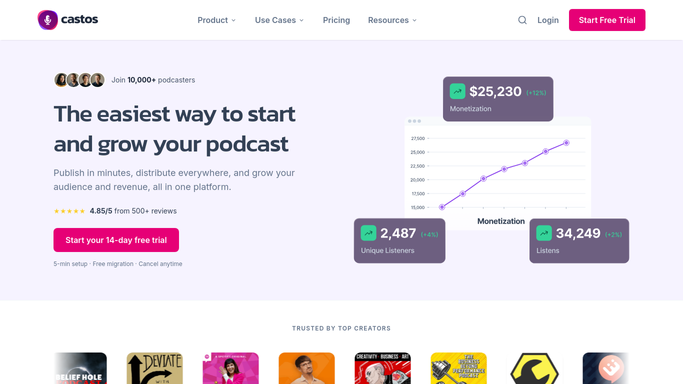
WebRun opens Castos to list current private subscribers. - Open Castos and select each private podcast you run
- Capture the current subscriber list with the email on each entry and the date it was added
- Note how many episodes each private podcast has published, so a dormant feed is obvious
- Record the total subscriber count per private podcast for the week
Done when Every private podcast has a current list of who can open its feed.
-
2
Google Drive - compare with your member list
drive.google.com How to Automate Google Drive

WebRun opens Google Drive to compare with your member list. - Open the member list file you keep in Google Drive and read the active members
- Compare it against the Castos subscriber list to find members with no feed access and subscribers who are no longer members
- Write this week's reconciliation file with two clear sections: to add and to remove
- Keep the previous weeks so a growing gap between the two lists is visible
Done when A reconciliation file in Drive names everyone to add and everyone to remove.
-
3
WhatsApp - send the add and remove list
whatsapp.com How to Automate WhatsApp

WebRun opens WhatsApp to send the add and remove list. - Message the membership owner the counts: members without access, and subscribers who have lapsed
- Name the lapsed subscribers so a decision can be made per person
- Leave the change itself to you. WebRun never adds or removes a subscriber in Castos, because either action affects a real person's access
Done when The membership owner has this week's add and remove list on WhatsApp.
How is each run configured?
Secure by default
Connect once, stays signed in
WebRun signs in once and keeps each session in a persistent environment, so every run picks up right where it left off.
Every action is checked against this policy before it runs.
Questions, answered
Will it add or remove subscribers on its own?
No. WebRun produces the add and remove list and stops there. Granting or revoking access to a private feed affects a real person, so a human makes that call every time.
Does it email new members their feed link?
No. Nothing is sent to a subscriber. WebRun writes the reconciliation file to Drive and messages you, so any invitation goes out only when you choose to send it.
What if my member list lives in a spreadsheet?
That works. WebRun reads the member file you already keep in Google Drive, so the list stays where your team maintains it and no new system is needed.
Related templates
Put this on autopilot.
Turn it on in minutes - or have our team set it up for you.