Find open deals with no next step booked
Every Monday, WebRun opens Capsule, checks every open opportunity for a scheduled next task, records the ones drifting with no follow-up in Airtable by owner and stage, and texts you the list through Twilio before the Monday pipeline call.
- No credit card
- Under $0.01 per run
- Cancel anytime
How do I find open CRM deals with no follow-up booked?
WebRun sweeps your Capsule pipeline every Monday and finds the open opportunities with no next task scheduled. It records each one in Airtable with its value, stage, owner, and days since last activity, then texts the sales lead a summary through Twilio before the Monday pipeline call.
- Drifting deals are named before the Monday pipeline call
- Every open opportunity carries a booked next step or an explanation
- Repeat offenders show up week after week in the Airtable log
Built for sales leads · account managers · small sales teams · consultancies
What does WebRun do on every run?
The exact actions WebRun takes, in order - in plain language, so you can adjust anything.
-
WebRun signs in and gets to work
Opens
app.capsulecrm.comin a real browser with your saved login - no setup, no API keys. -
1
Capsule - find deals with no next task
capsulecrm.com
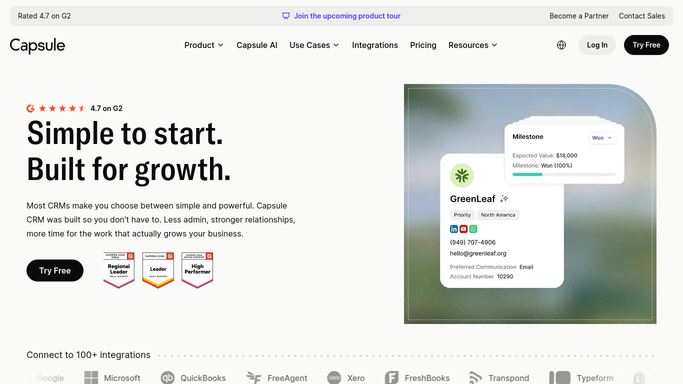
WebRun opens Capsule to find deals with no next task. - Open Capsule and list every open opportunity across the pipeline
- Check each one for a task or activity scheduled in the future
- Keep the opportunities with nothing booked, and note the value, stage, milestone, and owner
- Record the date of the last activity so the length of the drift is clear
Done when Every open opportunity with no scheduled next task is listed with its owner.
-
2
Airtable - log the drifting deals
airtable.com How to Automate Airtable

WebRun opens Airtable to log the drifting deals. - Add a row per drifting opportunity with value, stage, owner, and days since last activity
- Group by owner so each rep sees their own list on the call
- Keep last week's rows so repeat offenders are obvious
- Close out rows for deals that were won, lost, or now have a task booked
Done when The Airtable hygiene table matches the live pipeline.
-
3
Twilio - text you the chase list
twilio.com How to Automate Twilio

WebRun opens Twilio to text you the chase list. - Text your own team numbers a short summary: deals drifting, total value, worst owner
- Name the three largest opportunities with nothing booked
- Send only to the internal numbers you configured. WebRun never texts a customer or a contact from your CRM
- Link back to the Airtable view holding the full list
Done when The sales lead has the drifting deal summary before the pipeline call.
How is each run configured?
Secure by default
Connect once, stays signed in
WebRun signs in once and keeps each session in a persistent environment, so every run picks up right where it left off.
Every action is checked against this policy before it runs.
Questions, answered
Will it text my customers?
No. Twilio messages go only to the internal team numbers you set up when connecting it. WebRun never texts a contact from Capsule and never messages anyone on a deal record.
Does it create tasks in Capsule for me?
No. WebRun reads the pipeline and reports what is missing. Booking the next task, moving a stage, or closing a deal stays with the owner, so the CRM only reflects real decisions.
What counts as drifting?
An open opportunity with no task or activity scheduled in the future. You can add a minimum value or a days-since-activity floor so tiny or brand new deals stay off the list.
Related templates
Put this on autopilot.
Turn it on in minutes - or have our team set it up for you.