Automated Brilliant Weekly Learning Log
Every Monday, WebRun signs into Brilliant, reads which courses you moved through last week, which lessons and daily problems you finished, and which levels you reached, appends it all to a running log document in Google Drive, and sends you a short WhatsApp summary of the week.
How do I keep a record of what I learned each week?
Every Monday, WebRun signs into Brilliant and reads which courses, lessons and daily problems you completed over the past seven days. It appends a dated entry to a running log in Google Drive and sends you a short WhatsApp summary, so learning has written evidence without anyone writing a status update.
- A dated record of learning builds itself every week
- Course completions are evidenced without a status update
- The log survives independently of the platform's own history
Built for self-directed learners · students · employees on a learning budget · managers approving training
What does WebRun do on every run?
The exact actions WebRun takes, in order - in plain language, so you can adjust anything.
-
WebRun signs in and gets to work
Opens
www.brilliant.orgin a real browser with your saved login - no setup, no API keys. -
1
Brilliant - read last week's progress
brilliant.org
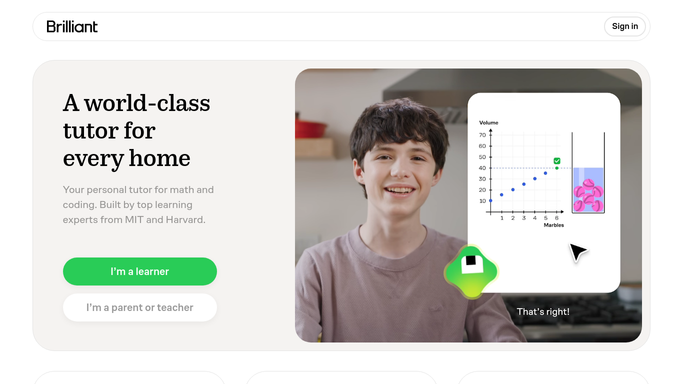
WebRun opens Brilliant to read last week's progress. - Sign into Brilliant and open your progress for the last seven days
- List the courses you worked on and the lessons completed inside each
- Record the daily problems solved and the days you were active
- Note any level or course finished during the week
- Compare against last week so the log shows a direction, not just a snapshot
Done when Last week's courses, lessons, daily problems, and completions are captured.
-
2
Google Drive - append to the learning log
drive.google.com

WebRun opens Google Drive to append to the learning log. - Open your learning log document in Google Drive
- Append a dated section for the week just ended
- List each course with the lessons finished under it, plus daily problems solved and active days
- Leave every earlier week untouched so the document builds into a full record
- Keep a running total at the top: courses completed and weeks logged
Done when The log document has a dated section for last week appended.
-
3
WhatsApp - send the weekly summary
whatsapp.com

WebRun opens WhatsApp to send the weekly summary. - Send a short WhatsApp summary of the week: courses touched, lessons finished, active days
- Name anything completed outright so finishing a course gets its moment
- Link to the Drive log for anyone who wants the detail
- Keep it to a few lines. The log holds the record, the message is the nudge
Done when You have last week's learning summary on WhatsApp.
How is each run configured?
Secure by default
Connect once, stays signed in
WebRun signs in once and keeps each session in a persistent environment, so every run picks up right where it left off.
Every action is checked against this policy before it runs.
Questions, answered
Does it complete lessons or solve problems for me?
No. WebRun only reads what you have already finished and writes it down. It never opens a lesson, answers a problem, or touches your progress in Brilliant.
Who can see the log?
Only whoever you share the Google Drive document with. WebRun appends to a file in your own Drive and sends the summary to your own WhatsApp, nowhere public.
What if I studied nothing last week?
The log still gets a dated entry saying zero active days, which is the honest record. The WhatsApp summary keeps it to one line rather than dressing it up.
Related templates
Put this on autopilot.
Turn it on in minutes - or have our team set it up for you.