Flag under booked Bookwhen sessions for you
Every morning, WebRun opens Bookwhen, checks attendee counts for sessions running in the next few days, creates a Trello card for any session under your minimum headcount, and drafts a WhatsApp announcement offering the open spots.
- No credit card
- Under $0.01 per run
- Cancel anytime
How do I get warned when a Bookwhen session is under booked?
Every morning, WebRun checks attendee counts for upcoming Bookwhen sessions against your minimum headcount, creates a Trello card for any session running low, and drafts a WhatsApp announcement offering the open spots. Your team gets a heads up while there is still time to fill the session or make the call to cancel it.
- Under booked sessions get flagged days ahead, not the morning of
- The fill announcement is drafted and ready the moment it's needed
- Cancel or fill decisions happen on a Trello card, not in someone's memory
Built for Yoga and fitness studios · workshop organizers · training providers · class based businesses
What does WebRun do on every run?
The exact actions WebRun takes, in order - in plain language, so you can adjust anything.
-
WebRun signs in and gets to work
Opens
bookwhen.comin a real browser with your saved login - no setup, no API keys. -
1
Bookwhen - check attendee counts
bookwhen.com
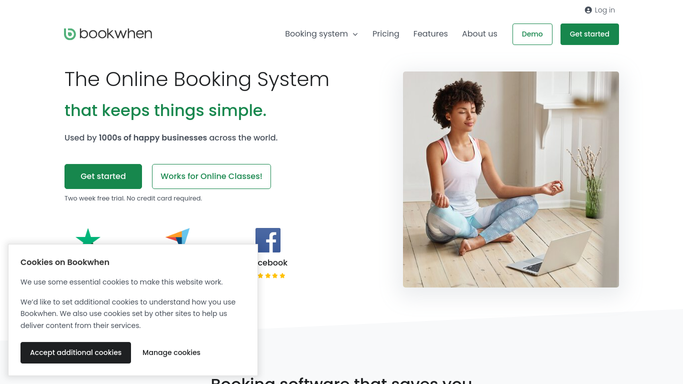
WebRun opens Bookwhen to check attendee counts. - Open Bookwhen and list sessions scheduled in the next few days
- Read the current attendee count and capacity for each
- Compare the count against your minimum headcount
Done when Every upcoming session has its attendee count checked against the minimum.
-
2
Trello - flag the under booked session
trello.com How to Automate Trello

WebRun opens Trello to flag the under booked session. - Create a card on the sessions board for any session under the minimum
- Include the session name, date, and how many spots are still open
- Leave the card for the team to decide whether to fill it or cancel it
Done when Every under booked session has a Trello card waiting for a decision.
-
3
WhatsApp - draft the fill announcement
whatsapp.com How to Automate WhatsApp

WebRun opens WhatsApp to draft the fill announcement. - Draft an announcement naming the session, date, and open spots
- Queue the draft for the community or waitlist broadcast
- Leave it unsent for the team to approve and send
Done when A drafted fill announcement is ready for each flagged session.
How is each run configured?
Secure by default
Connect once, stays signed in
WebRun signs in once and keeps each session in a persistent environment, so every run picks up right where it left off.
Every action is checked against this policy before it runs.
Questions, answered
Will it announce the open spots without approval?
No. WebRun only drafts the WhatsApp announcement and leaves it unsent. Your team reviews it and decides whether to send it or cancel the session instead.
How does it decide a session is under booked?
It compares the current attendee count in Bookwhen against the minimum headcount you set, so only sessions genuinely at risk get flagged.
Does it cancel sessions that stay under booked?
No. It only raises the Trello card. Cancelling or running a session below minimum is a call your team makes, not WebRun.
Related templates
Put this on autopilot.
Turn it on in minutes - or have our team set it up for you.