Automated Blackmagic Cloud Access Review
Every Monday, WebRun signs in to Blackmagic Cloud, walks each project library to capture the projects inside it and every collaborator with access, records the full list in Google Sheets, and posts to Notion the collaborators who look like they should have been removed when a job wrapped.
How do I check who still has access to my project libraries?
WebRun reviews your Blackmagic Cloud access every Monday. It walks each project library, captures every collaborator with their access level and last activity, logs the list in Google Sheets, and posts to Notion the freelancers and stale accounts to review, so finished contractors stop seeing client libraries.
- Wrapped freelancers stop holding access to the whole client library
- Every collaborator is reviewed weekly with their last activity
- The Google Sheets log shows exactly who was added or removed
Built for post supervisors · video editors · production studios · creative operations
What does WebRun do on every run?
The exact actions WebRun takes, in order - in plain language, so you can adjust anything.
-
WebRun signs in and gets to work
Opens
www.blackmagicdesign.comin a real browser with your saved login - no setup, no API keys. -
1
DaVinci Resolve - list libraries and collaborators
blackmagicdesign.com
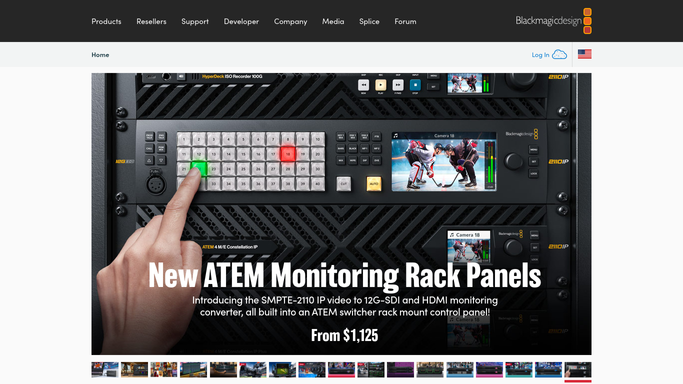
WebRun opens DaVinci Resolve to list libraries and collaborators. - Sign in to Blackmagic Cloud and open the project libraries for your organization
- Capture each library with the projects inside it and the owner of the library
- List every collaborator on each library with their Blackmagic Cloud ID and access level
- Note when each collaborator was last active on the library
- Never remove a collaborator or change a library. WebRun only reads the access list
Done when Every project library is captured with its projects, owner, and collaborators.
-
2
Google Sheets - log the access list
google.com

WebRun opens Google Sheets to log the access list. - Open your access review sheet in Google Sheets and add this week's rows
- Record a row per collaborator per library with their ID, access level, and last activity
- Match each collaborator against your staff and freelancer list, and mark anyone unmatched
- Diff against last week so new collaborators and removals are both visible
Done when Every library and collaborator pairing has a row with a matched or unmatched status.
-
3
Notion - post who to review
notion.so

WebRun opens Notion to post who to review. - Post the review list to your post production page in Notion
- Lead with freelancers whose job has wrapped but who still hold library access
- Follow with collaborators who have not opened a library in weeks, and anyone unmatched to your staff list
- Mark each as a proposal. Removing access stays a click the post supervisor makes
Done when The post supervisor has this week's review list in Notion with the reason on each name.
How is each run configured?
Secure by default
Connect once, stays signed in
WebRun signs in once and keeps each session in a persistent environment, so every run picks up right where it left off.
Every action is checked against this policy before it runs.
Questions, answered
Will it remove collaborators for me?
No. WebRun reads the collaborator list on each project library and reports it. Removing someone stays a click the post supervisor makes, so an active freelancer is never cut off mid-job by mistake.
How does it know a freelancer has finished?
It matches every collaborator against the staff and freelancer list you keep in Google Sheets, and flags anyone unmatched or with no recent library activity. You confirm before anything changes.
Does it open my projects or media?
No. It reads library membership, access levels, and last activity only. Timelines, media, and project contents are never opened, so client work is untouched by the review.
Related templates
Put this on autopilot.
Turn it on in minutes - or have our team set it up for you.