Automated Bitrix24 New Lead Triage
Every morning, WebRun opens Bitrix24, lists the leads created since yesterday, checks each one for a responsible person and a first logged activity, notes the source it came from, posts the triage list to Microsoft Teams, and sends the sales manager a short Telegram summary.
How do I make sure new CRM leads get an owner and a first call?
WebRun lists your new Bitrix24 leads every morning, flagging the ones with no responsible person set and the ones where no first activity has been logged. It posts the triage list to Microsoft Teams and sends the sales manager a Telegram summary, so the first call happens the day a lead arrives.
- Overnight leads get an owner before the first call block
- No lead sits untouched past the morning it arrived
- The manager sees which source is filling the backlog
Built for sales managers · inside sales teams · agencies · small business owners
What does WebRun do on every run?
The exact actions WebRun takes, in order - in plain language, so you can adjust anything.
-
WebRun signs in and gets to work
Opens
bitrix24.comin a real browser with your saved login - no setup, no API keys. -
1
Bitrix24 - list overnight leads
bitrix24.com
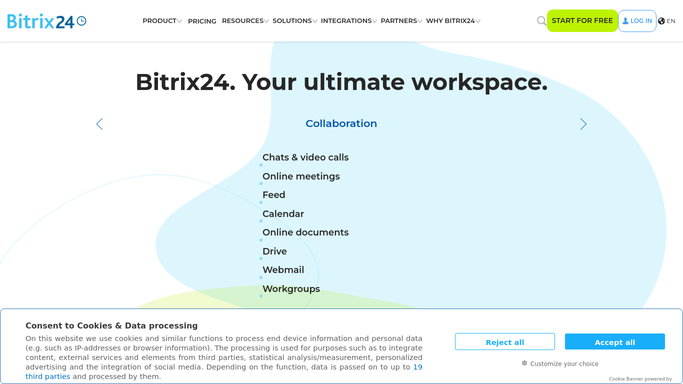
WebRun opens Bitrix24 to list overnight leads. - Open Bitrix24 and filter leads to those created since the last run
- Read each lead's status, its lead source, and the responsible person set against it
- Flag leads with no responsible person, and leads where no activity has been logged yet
- Capture the contact details and the source on each flagged lead, so a rep can act without opening the record
- Include leads from earlier days that are still sitting with no owner and no activity
Done when Every new and still-untouched lead is listed with its source, owner, and activity status.
-
2
Microsoft Teams - post the triage list
microsoft.com

WebRun opens Microsoft Teams to post the triage list. - Post the triage list to your sales channel in Microsoft Teams
- Split it into leads with no owner and leads owned but never contacted
- Show each lead's source and how many hours it has been waiting
- Leave the assignment and the first call to your reps. WebRun never contacts a lead
Done when The sales channel has this morning's triage list, split by what each lead is missing.
-
3
Telegram - summarise for the manager
telegram.org

WebRun opens Telegram to summarise for the manager. - Send the sales manager a short Telegram summary: leads in overnight, how many unowned, how many uncontacted
- Break the count down by lead source so a spike from one channel is visible
- Compare against yesterday, so a growing backlog is obvious before it becomes a week
Done when The manager has this morning's lead counts in Telegram.
How is each run configured?
Secure by default
Connect once, stays signed in
WebRun signs in once and keeps each session in a persistent environment, so every run picks up right where it left off.
Every action is checked against this policy before it runs.
Questions, answered
Will it contact the leads?
No. WebRun never emails, calls, or messages a lead. It posts an internal triage list to your own Microsoft Teams channel, and the first contact is made by a rep.
Does it assign leads to reps itself?
No. It reports which leads have no responsible person set. Assigning an owner stays with your sales manager, so routing follows your own rules rather than a guess.
What about leads from earlier in the week?
Leads still sitting with no owner and no logged activity stay on the list every morning until someone picks them up, so an old lead does not quietly fall off.
Related templates
Put this on autopilot.
Turn it on in minutes - or have our team set it up for you.