Get a saved weekly export of your deal pipeline
Every Friday, WebRun opens Bitrix24, compiles every deal that moved, closed, or was created this week into a single report, saves it to Google Drive under a dated file name, and texts the sales manager on Twilio as soon as the export is ready to review.
- No credit card
- Under $0.01 per run
- Cancel anytime
How do I get a weekly export of my Bitrix24 pipeline automatically?
Every Friday, WebRun opens Bitrix24 and compiles every deal created, updated, or closed that week into a single report with stage totals. It saves the file to Google Drive under a dated name and texts the sales manager on Twilio as soon as it is ready, so a clean weekly export is waiting without anyone building it by hand.
- A dated pipeline report lands in Drive every week without manual work
- The manager is texted the moment the export is ready
- Stage totals make trends visible at a glance
Built for sales operations · SMB sales teams · sales managers · CRM admins
What does WebRun do on every run?
The exact actions WebRun takes, in order - in plain language, so you can adjust anything.
-
WebRun signs in and gets to work
Opens
bitrix24.comin a real browser with your saved login - no setup, no API keys. -
1
Bitrix24 - compile this week's deal activity
bitrix24.com
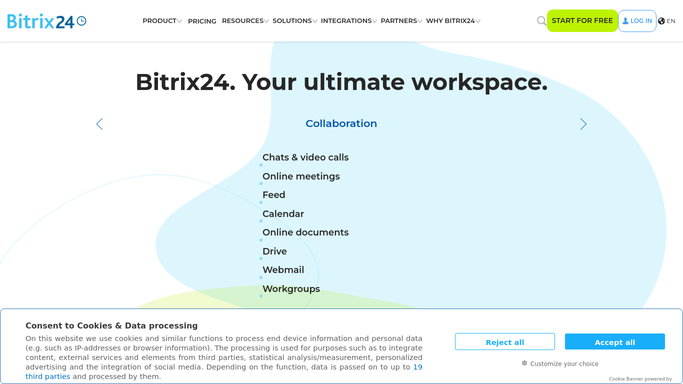
WebRun opens Bitrix24 to compile this week's deal activity. - Open Bitrix24 and pull every deal created, updated, or closed this week
- Capture the stage, value, and owner for each
- Group the totals by stage
Done when This week's full deal activity has been compiled with stage totals.
-
2
Google Drive - save the export as a report
drive.google.com How to Automate Google Drive

WebRun opens Google Drive to save the export as a report. - Save the compiled report to the shared sales folder
- Name the file with the week's date range
- Keep the previous week's report in place for comparison
Done when This week's deal report is saved in Google Drive with a dated file name.
-
3
Twilio - text the manager the export is ready
twilio.com How to Automate Twilio

WebRun opens Twilio to text the manager the export is ready. - Text the sales manager once the export has been saved
- Include the total pipeline value and deal count in the text
- Link to the file location in Google Drive
Done when The manager has been texted that the week's export is ready.
How is each run configured?
Secure by default
Connect once, stays signed in
WebRun signs in once and keeps each session in a persistent environment, so every run picks up right where it left off.
Every action is checked against this policy before it runs.
Questions, answered
Does it change any deal data in Bitrix24?
No. WebRun only reads deal records to build the export. It never edits, moves, or deletes a deal in Bitrix24.
What is included in the report?
Every deal created, updated, or closed that week, with its current stage, value, and owner, plus a total pipeline value broken down by stage.
Can I get the export more often than weekly?
Yes. The Friday cadence is the default, but the schedule can be changed to daily or any other interval that fits how your team reviews the pipeline.
Related templates
Put this on autopilot.
Turn it on in minutes - or have our team set it up for you.