Know which team folders are eating your WorkDrive storage
Every Monday, WebRun opens your Zoho WorkDrive admin dashboard, reads the storage used by each team folder and each member, compares it with last week to see what is growing fastest, books a cleanup slot in Google Calendar, and queues an SMS when the team is closing in on its limit.
- No credit card
- Under $0.01 per run
- Cancel anytime
How do I find which folders are using up our WorkDrive storage?
Every Monday, WebRun opens your Zoho WorkDrive admin dashboard, reads storage used per team folder and per member, and compares it with last week to find what is growing fastest. It books a cleanup slot in Google Calendar and queues a Twilio SMS when the team gets close to its limit.
- Extra storage gets bought on purpose rather than in a panic
- The folders growing fastest are named every Monday, not guessed at
- Trash volume is reported weekly without WebRun deleting a single file
Built for IT administrators · operations managers · office managers · small business owners
What does WebRun do on every run?
The exact actions WebRun takes, in order - in plain language, so you can adjust anything.
-
WebRun signs in and gets to work
Opens
workdrive.zoho.comin a real browser with your saved login - no setup, no API keys. -
1
Zoho WorkDrive - measure storage per team folder
workdrive.zoho.com
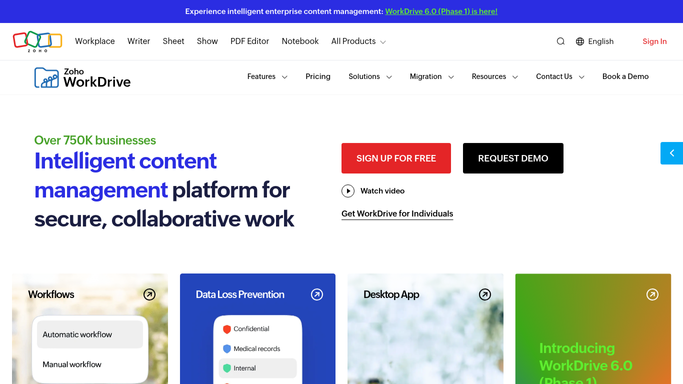
WebRun opens Zoho WorkDrive to measure storage per team folder. - Open the Zoho WorkDrive admin dashboard and read total storage used against your plan limit
- Capture the storage used by each team folder and by each team member
- Compare every figure with the one recorded last week and work out the growth in GB and percent
- Note how much sits in trash, since that still counts against the limit. Report it and leave it alone
- Rank team folders by growth and project the date the account runs out at the current rate
Done when Every team folder has a current size, a week-on-week growth figure, and a place in the ranking.
-
2
Google Calendar - book the cleanup slot
calendar.google.com How to Automate Google Calendar

WebRun opens Google Calendar to book the cleanup slot. - Open your internal ops calendar
- Add a cleanup slot with the ranked folder list and the projected date the account fills up in the notes
- Put a second reminder on the date storage is projected to hit 90 percent
- Keep the entries on your own calendar with no invitations sent
Done when A cleanup slot carrying this week's ranking sits on the ops calendar.
-
3
Twilio - queue an SMS when space runs low
twilio.com How to Automate Twilio

WebRun opens Twilio to queue an SMS when space runs low. - When used storage passes the threshold you set, compose an SMS with the percentage used and the top three growing folders
- Address it to the WorkDrive admin number on your list
- Leave the message queued for a human to release. WebRun never sends the text on its own
- Skip the SMS entirely on a week where usage stayed below the threshold
Done when An SMS is queued and waiting for approval whenever storage crosses your threshold.
How is each run configured?
Secure by default
Connect once, stays signed in
WebRun signs in once and keeps each session in a persistent environment, so every run picks up right where it left off.
Every action is checked against this policy before it runs.
Questions, answered
Will it delete files or empty the trash?
No. WebRun never deletes anything in Zoho WorkDrive. It reports how much trash is holding and how much each folder has grown, and the deleting stays a human decision.
Will it text me without asking?
No. The Twilio message is queued and waits for a person to release it. Only calendar notes on your own calendar are written without approval.
How does it know what is growing fastest?
It stores each folder's size every week and compares this run with the last, so the ranking is real week-on-week growth in GB, not just the biggest folders.
Related templates
Put this on autopilot.
Turn it on in minutes - or have our team set it up for you.