Automated Zoho Wiki Weekly Change Digest
Every Monday, WebRun opens Zoho Wiki, walks the version history across your workspaces, collects every page edited in the last seven days and every comment still unanswered, posts a grouped digest to Slack, and pins it to this week's team meeting entry in Google Calendar.
How do I see everything that changed in our wiki this week?
Every Monday, WebRun opens Zoho Wiki, reads the version history across your workspaces, and lists every page edited in the last seven days plus the comments nobody has answered. It posts that digest to Slack and pins it to your team meeting entry in Google Calendar, so buried changes get read.
- A policy change buried in an unfollowed workspace still gets read
- Unanswered wiki comments surface within a week instead of dying quietly
- Monday's team meeting opens with the week's documentation changes already listed
Built for team leads · internal comms · operations managers · knowledge managers
What does WebRun do on every run?
The exact actions WebRun takes, in order - in plain language, so you can adjust anything.
-
WebRun signs in and gets to work
Opens
wiki.zoho.comin a real browser with your saved login - no setup, no API keys. -
1
Zoho Wiki - collect last week's edits
wiki.zoho.com
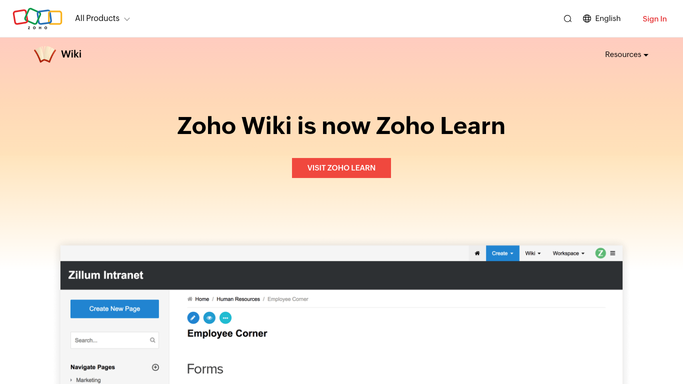
WebRun opens Zoho Wiki to collect last week's edits. - Open Zoho Wiki and go through each workspace you follow
- Read the version history and capture every page edited in the last seven days with its author and edit date
- Collect comments left on those pages that still have no reply
- Group the results by workspace and note which edits touched a policy or process page
Done when Every page edited in the last seven days and every unanswered comment is listed with its workspace and author.
-
2
Slack - post the weekly digest
slack.com

WebRun opens Slack to post the weekly digest. - Post the digest to your team channel, grouped by workspace
- Put pages that changed most heavily at the top, each with a link and the author's name
- List the unanswered comments underneath with the person who asked
- Keep the message internal. Never edit or reply to a wiki page on its own
Done when The team channel has this week's wiki digest with links and authors.
-
3
Google Calendar - attach it to the team meeting
calendar.google.com

WebRun opens Google Calendar to attach it to the team meeting. - Find this week's recurring team meeting on your own calendar
- Add the digest summary and the Slack permalink to the event notes
- Leave attendees and invitations untouched. No new invites go out
Done when The team meeting entry carries this week's wiki digest in its notes.
How is each run configured?
Secure by default
Connect once, stays signed in
WebRun signs in once and keeps each session in a persistent environment, so every run picks up right where it left off.
Every action is checked against this policy before it runs.
Questions, answered
Will it edit or reply to wiki pages?
No. WebRun only reads Zoho Wiki. It posts an internal Slack digest and writes notes on your own calendar entry, and it never edits a page, answers a comment, or sends an invite without you.
Does it cover workspaces I do not follow?
Yes, as long as your account can open them. That is the point: a policy change parked in a workspace nobody watches still lands in Monday's digest.
What if nothing changed last week?
It posts a short line saying the wiki was quiet, so you know the run happened rather than wondering whether it silently failed.
Related templates
Put this on autopilot.
Turn it on in minutes - or have our team set it up for you.