Stop your Zoho Wiki pages from going stale
Every Monday, WebRun opens Zoho Wiki, walks your workspaces and pages, notes which ones have not been edited in the last 90 days, records the page, workspace, author, and last-modified date in Airtable, and posts a short review queue to Notion so someone owns each refresh.
- No credit card
- Under $0.01 per run
- Cancel anytime
How do I find out which wiki pages are out of date?
WebRun reviews your Zoho Wiki workspaces every Monday and finds pages nobody has edited in the last 90 days. It logs each one to Airtable with its workspace, last editor, and age, then posts a sorted review queue to Notion, so outdated documentation gets an owner instead of quietly rotting.
- Outdated pages surface weekly instead of being found by a confused new hire
- Every stale page carries an owner and a date in Airtable
- The team sees documentation progress in Notion without chasing anyone
Built for operations teams · internal comms · knowledge managers · support leads
What does WebRun do on every run?
The exact actions WebRun takes, in order - in plain language, so you can adjust anything.
-
WebRun signs in and gets to work
Opens
wiki.zoho.comin a real browser with your saved login - no setup, no API keys. -
1
Zoho Wiki - find pages nobody has updated
wiki.zoho.com
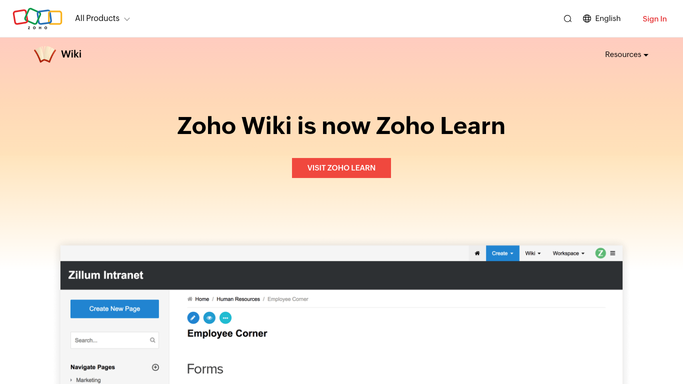
WebRun opens Zoho Wiki to find pages nobody has updated. - Open Zoho Wiki and go through each workspace you track
- Read every page's last-modified date and last editor
- Collect the pages not edited in the last 90 days
- Skip pages you have marked as reference or archive
Done when Every workspace has been walked and its stale pages listed.
-
2
Airtable - log each stale page
airtable.com How to Automate Airtable

WebRun opens Airtable to log each stale page. - Open your Documentation Health base in Airtable
- Add or update a row per stale page with workspace, title, last editor, and days since the last edit
- Carry forward the owner and status from last week so nothing resets
- Mark pages refreshed since the last run as Done
Done when Airtable holds one current row for every stale wiki page.
-
3
Notion - publish the review queue
notion.so How to Automate Notion

WebRun opens Notion to publish the review queue. - Post this week's review queue to your team's Notion page
- Sort the oldest pages first and group them by workspace
- Show the count refreshed since last week so progress is visible
Done when The team has this week's documentation review queue in Notion.
How is each run configured?
Secure by default
Connect once, stays signed in
WebRun signs in once and keeps each session in a persistent environment, so every run picks up right where it left off.
Every action is checked against this policy before it runs.
Questions, answered
Will it edit or delete wiki pages?
No. WebRun only reads Zoho Wiki. It never edits, archives, or deletes a page. Every change is left to the human owner named in the Airtable row.
Can I change what counts as stale?
Yes. The default freshness window is 90 days, and you can set any number of days, or a different window per workspace, when you turn the template on.
What happens to pages someone already refreshed?
They drop off the queue. WebRun reads the live last-modified date in Zoho Wiki each Monday and marks any refreshed page as Done in Airtable.
Related templates
Put this on autopilot.
Turn it on in minutes - or have our team set it up for you.