Automated Zoho Notebook Tidy-Up Reports
Every Monday, WebRun opens Zoho Notebook, reads through your notecards, finds the ones with no tag, no notebook, near-duplicate content, or a reminder nobody reopened, posts a tidy list to Microsoft Teams with a suggested notebook and tag for each, and texts you the count.
How do I keep my notes organised so I can find them later?
Every Monday WebRun opens Zoho Notebook, reads through your notecards, and finds the ones with no tag, no notebook, near-duplicate content, or a reminder nobody reopened. It posts a short tidy list to Microsoft Teams with a suggested notebook and tag for each, and texts you the count through Twilio.
- Notes stay findable instead of piling up as one long scroll
- Every loose card arrives with a suggested notebook and tag
- You see whether the backlog is growing week on week
Built for knowledge workers · consultants · researchers · project managers
What does WebRun do on every run?
The exact actions WebRun takes, in order - in plain language, so you can adjust anything.
-
WebRun signs in and gets to work
Opens
notebook.zoho.comin a real browser with your saved login - no setup, no API keys. -
1
Zoho Notebook - review notecards and notebooks
notebook.zoho.com
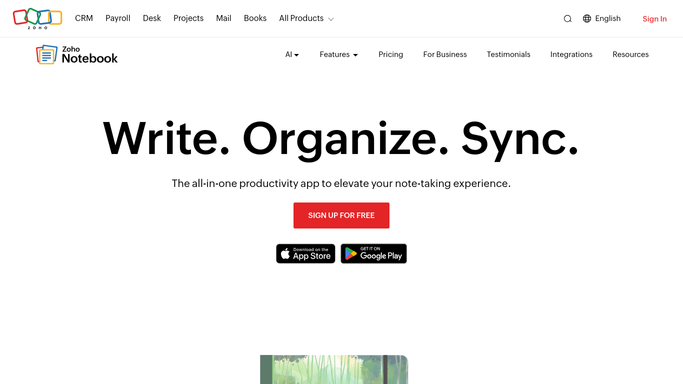
WebRun opens Zoho Notebook to review notecards and notebooks. - Open Zoho Notebook and read through the notecards added since your last tidy
- Flag cards with no tags, cards sitting outside any notebook, and cards whose content nearly repeats another
- Note reminders that have passed on cards nobody has reopened since
Done when Every loose, untagged, or duplicated card is identified.
-
2
Microsoft Teams - post the tidy list with suggestions
microsoft.com

WebRun opens Microsoft Teams to post the tidy list with suggestions. - Post a short tidy list to your own channel, grouped as untagged, unfiled, duplicate, and stale reminder
- Suggest a notebook and a tag per card based on the notebooks you already use
- Keep the list to the cards that matter this week rather than the whole backlog
Done when This week's tidy list is in Teams with a suggestion per card.
-
3
Twilio - text you how much is outstanding
twilio.com

WebRun opens Twilio to text you how much is outstanding. - Text yourself the count of loose cards and how it moved on last week
- Call out when the backlog has grown two weeks running
- Never delete a card, empty the trash, or move a note. WebRun suggests and you tidy
Done when You know this week's loose card count and whether it is growing.
How is each run configured?
Secure by default
Connect once, stays signed in
WebRun signs in once and keeps each session in a persistent environment, so every run picks up right where it left off.
Every action is checked against this policy before it runs.
Questions, answered
Will it delete or move my notes?
No. Deleting a note or emptying the trash cannot be undone, so WebRun never touches either. It suggests a notebook and a tag per card and you make the change in Zoho Notebook.
How does it spot a near-duplicate?
It compares the content of cards created close together and flags pairs that repeat the same meeting, link, or list, then shows both on the tidy list so you decide which one to keep.
Does it read every note I have ever written?
No. Each run covers the cards added or edited since the last tidy, plus any card still on the previous list, so the weekly post stays short enough to actually clear.
Related templates
Put this on autopilot.
Turn it on in minutes - or have our team set it up for you.