Turn today's notes into tomorrow's action list
Every evening, WebRun opens Zoho Notebook, reads the notes and checklists you created or edited today, pulls out every action item with its owner and any date mentioned, appends them to a Google Sheets action log, and drafts a short follow-up email in Gmail to each owner so nothing agreed in a meeting is lost in a note.
- No credit card
- Under $0.01 per run
- Cancel anytime
How do I turn my meeting notes into tracked action items?
WebRun reads the notes and checklists you wrote in Zoho Notebook each evening and pulls out every action item with its owner and due date. It appends them to a Google Sheets action log, highlights the ones with nobody named, and drafts a follow-up email per owner in Gmail for you to send.
- Actions leave the notebook the same day they are written
- Owners get a follow-up you approved, not a raw note dump
- Unowned actions are highlighted instead of quietly dropped
Built for project managers · consultants · small business owners · operations teams
What does WebRun do on every run?
The exact actions WebRun takes, in order - in plain language, so you can adjust anything.
-
WebRun signs in and gets to work
Opens
notebook.zoho.comin a real browser with your saved login - no setup, no API keys. -
1
Zoho Notebook - read today's notes
notebook.zoho.com
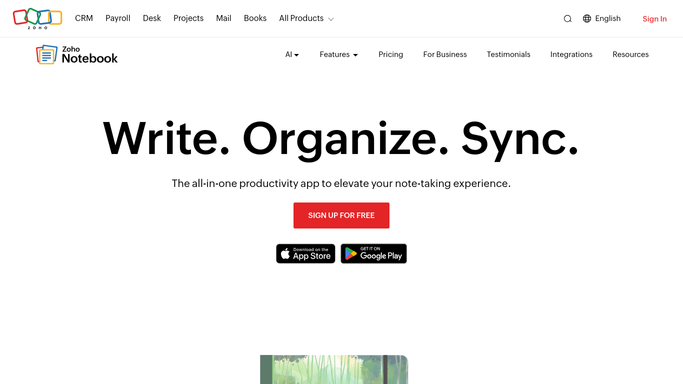
WebRun opens Zoho Notebook to read today's notes. - Open Zoho Notebook and list the notes created or edited today
- Read the text notes and checklist cards in the notebooks you nominate
- Pull out every action item, including unticked checklist entries
- Capture the owner named next to each action and any date or deadline mentioned
- Note actions with no owner so they can be assigned rather than lost
- Read only. Never edit, tick off, or delete a note
Done when Every action item in today's notes is captured with an owner and a date where one exists.
-
2
Google Sheets - log every action item
google.com How to Automate Google Sheets

WebRun opens Google Sheets to log every action item. - Open your action log in Google Sheets
- Append a row per action with the note title, the action text, the owner, and the due date
- Leave the owner column blank and highlight the row when nobody was named
- Skip actions already logged from an earlier run of the same note
- Keep an open actions tab sorted by due date
Done when The action log holds today's actions with owners and dates, and unowned ones highlighted.
-
3
Gmail - draft the follow-up per owner
gmail.com How to Automate Gmail

WebRun opens Gmail to draft the follow-up per owner. - Draft one email per owner in Gmail listing the actions assigned to them today
- Quote the action in the words used in the note so there is no ambiguity
- Include the due date and the note it came from
- Leave every email as a draft for you to read and send. Nothing goes out unattended
- Draft a separate note to yourself listing the actions that still need an owner
Done when A follow-up draft is waiting in Gmail for every owner with actions from today.
How is each run configured?
Secure by default
Connect once, stays signed in
WebRun signs in once and keeps each session in a persistent environment, so every run picks up right where it left off.
Every action is checked against this policy before it runs.
Questions, answered
Will it email my colleagues without me?
No. Every follow-up sits in your Gmail drafts folder until you read it and press send, so an action pulled out of a rough note never reaches a colleague unchecked.
Does it change my notes?
No. WebRun reads Zoho Notebook only. It never edits a note, ticks a checklist item, moves a card between notebooks, or deletes anything, so your notes stay exactly as you wrote them.
What happens to actions with nobody named?
They still get logged, with the owner column blank and the row highlighted in the Google Sheets action log, and they are listed in a note drafted to you so you can assign them the next morning.
Related templates
Put this on autopilot.
Turn it on in minutes - or have our team set it up for you.