Get a weekly scorecard of billable hours versus invoiced
Every week, WebRun totals tracked hours in ZipBooks against what's actually been invoiced, creates a Trello card for unbilled time, and messages you the scorecard on WhatsApp.
- No credit card
- Under $0.01 per run
- Cancel anytime
How do I catch unbilled tracked hours in ZipBooks every week?
WebRun totals last week's ZipBooks tracked billable hours by client every Monday, compares them against what's actually been invoiced, and messages you a WhatsApp scorecard with the gap. Any client with unbilled tracked time gets a Trello card assigned to whoever prepares invoices, so billable hours stop quietly going uninvoiced.
- Unbilled tracked hours get caught weekly instead of at year end
- Each client with a gap gets an assigned Trello card
- The scorecard shows the exact gap between tracked and invoiced time
Built for freelancers · consultants · small agencies · service businesses
What does WebRun do on every run?
The exact actions WebRun takes, in order - in plain language, so you can adjust anything.
-
WebRun signs in and gets to work
Opens
app.zipbooks.comin a real browser with your saved login - no setup, no API keys. -
1
ZipBooks - total this week's tracked hours against what's been invoiced
zipbooks.com
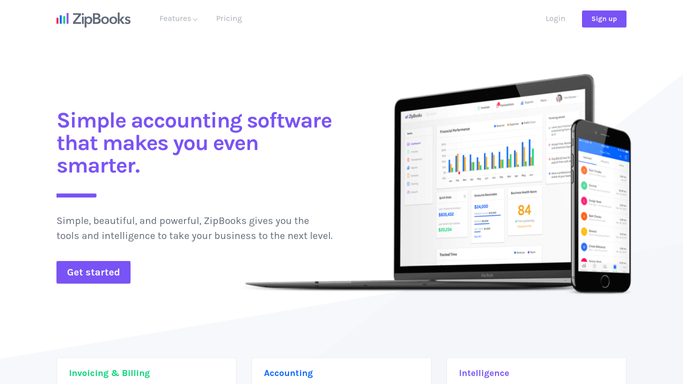
WebRun opens ZipBooks to total this week's tracked hours against what's been invoiced. - Open ZipBooks and total last week's tracked billable hours by client
- Check how many of those hours have been included on an invoice
- Flag any client with tracked hours not yet invoiced
Done when Last week's tracked hours are totaled and compared against invoiced hours.
-
2
Trello - create a Trello card for unbilled time
trello.com How to Automate Trello

WebRun opens Trello to create a Trello card for unbilled time. - Create a card for each client with unbilled tracked hours
- Include the client and the number of hours not yet invoiced
- Assign the card to whoever prepares invoices
Done when Every client with unbilled hours has an assigned Trello card.
-
3
WhatsApp - message you on WhatsApp
whatsapp.com How to Automate WhatsApp

WebRun opens WhatsApp to message you on WhatsApp. - Message you the total tracked hours, total invoiced, and the gap
- Name the client with the most unbilled hours
- Keep the message short
Done when You have this week's billable hours scorecard on WhatsApp.
How is each run configured?
Secure by default
Connect once, stays signed in
WebRun signs in once and keeps each session in a persistent environment, so every run picks up right where it left off.
Every action is checked against this policy before it runs.
Questions, answered
Does it create the invoice for the unbilled hours?
No. It only flags which clients have unbilled tracked time and hands it off as a Trello card. Creating and sending the invoice is still done inside ZipBooks.
How does it know hours are unbilled?
It compares tracked time entries in ZipBooks against what's already appeared on a sent invoice for that client.
What if all hours are already invoiced?
Then no Trello card is created and the WhatsApp scorecard simply shows a zero gap for the week.
Related templates
Put this on autopilot.
Turn it on in minutes - or have our team set it up for you.