Chase long-open bugs in Zentao for you
Every Monday, WebRun opens Zentao, checks bugs open more than 14 days across active products, logs each one in Google Sheets with assignee and severity, and posts a digest sorted by severity to the team's Notion page.
- No credit card
- Under $0.01 per run
- Cancel anytime
What does WebRun do on every run?
The exact actions WebRun takes, in order - in plain language, so you can adjust anything.
-
WebRun signs in and gets to work
Opens
www.zentao.netin a real browser with your saved login - no setup, no API keys. -
1
Zentao - find bugs open too long
zentao.net

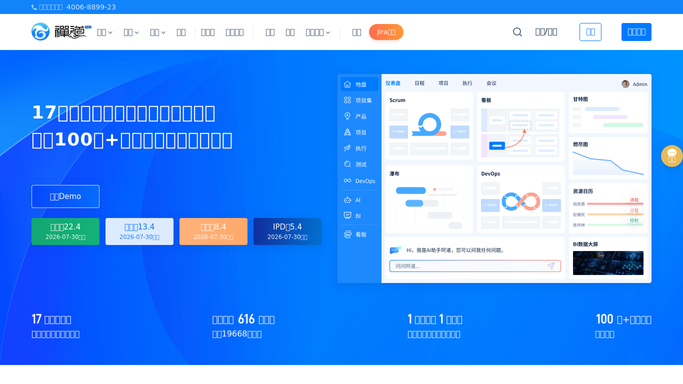
WebRun opens Zentao to find bugs open too long. - Open Zentao and check bugs open more than 14 days across active products
- Note each bug's assignee, severity, and days open
- Flag high severity bugs first
Done when Every bug open more than 14 days is listed with its assignee and severity.
-
2
Google Sheets - log every stale bug
google.com How to Automate Google Sheets
WebRun opens Google Sheets to log every stale bug. - Add a row per stale bug with assignee, severity, and days open
- Keep prior weeks' rows for a running history
- Mark bugs resolved since last week as closed
Done when Every stale bug is logged in the Sheets tracker.
-
3
Notion - post the chase digest
notion.so How to Automate Notion
WebRun opens Notion to post the chase digest. - Post this week's stale bug digest to the team's Notion page
- Sort by severity, then by days open
- Link back to the full Sheets log
Done when The team has this week's stale bug digest in Notion.


How do I chase long-open bugs in Zentao automatically?
WebRun checks Zentao every Monday for bugs open more than 14 days across active products, logs each one in Google Sheets with assignee and severity, and posts a digest sorted by severity to the team's Notion page. Long-open bugs get chased on a fixed weekly cadence instead of aging quietly in the backlog.
- Long-open bugs get chased on a fixed weekly cadence
- High severity bugs always sort to the top of the digest
- Resolved bugs drop off the list automatically
Built for QA teams · software engineering managers · agile teams · open source maintainers
How is each run configured?
Secure by default
Connect once, stays signed in
WebRun signs in once and keeps each session in a persistent environment, so every run picks up right where it left off.
Every action is checked against this policy before it runs.
Questions, answered
Will it close or reassign any bugs?
No. WebRun only reads bug age and status. It never closes, edits, or reassigns a bug in Zentao.
Why 14 days as the threshold?
It's a reasonable default for catching bugs that have genuinely stalled. Ask WebRun to use a shorter window if your team ships faster.
What happens to a bug once it's fixed?
It reads the live status each Monday, so a bug resolved during the week is marked closed in the Sheets log and drops from the digest.
Related templates
Put this on autopilot.
Turn it on in minutes - or have our team set it up for you.