Get a sprint scorecard without opening a single board
Every Friday, WebRun signs into YouTrack, pulls the current sprint's issue status across open, in progress, and resolved, saves the full sprint report to Google Drive for the archive, and posts the scorecard to the team's Slack channel so everyone sees sprint health without opening a board.
- No credit card
- Under $0.01 per run
- Cancel anytime
How do I get a weekly YouTrack sprint scorecard without checking the board?
WebRun checks YouTrack every Friday for the current sprint's issue breakdown across open, in progress, resolved, and blocked, saves the full report to Google Drive for the archive, and posts a short scorecard to Slack, so the team sees sprint health at a glance instead of opening the board to count it up manually.
- Sprint health is visible in Slack without opening the board
- Blocked issues get called out before the sprint review
- Every sprint has an archived report for later reference
Built for Engineering teams · scrum masters · software companies · engineering managers
What does WebRun do on every run?
The exact actions WebRun takes, in order - in plain language, so you can adjust anything.
-
WebRun signs in and gets to work
Opens
account.jetbrains.comin a real browser with your saved login - no setup, no API keys. -
1
YouTrack - pull this sprint's issue status
jetbrains.com
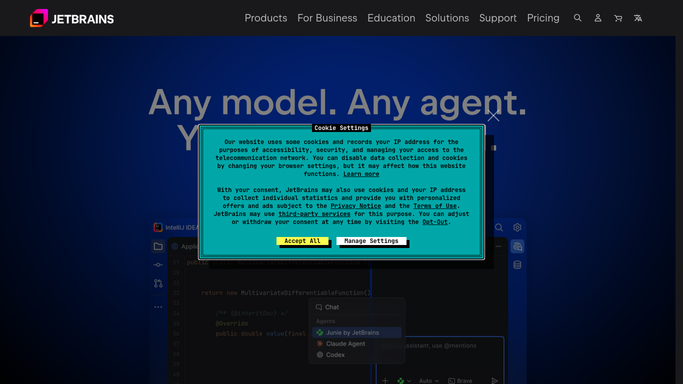
WebRun opens YouTrack to pull this sprint's issue status. - Open the active sprint board
- Count issues by open, in progress, resolved, and blocked
- Note any issue that's been blocked for more than 2 days
Done when The sprint's full issue breakdown is captured.
-
2
Google Drive - save the sprint report
drive.google.com How to Automate Google Drive

WebRun opens Google Drive to save the sprint report. - Export the sprint breakdown to a report
- Save it to the sprint archive folder with the sprint name
Done when This sprint's report is saved to the archive.
-
3
Slack - post the scorecard to the team channel
slack.com How to Automate Slack

WebRun opens Slack to post the scorecard to the team channel. - Summarize the breakdown into a short scorecard
- Post it to the team channel with any blocked issues called out
Done when The team channel has this week's sprint scorecard.
How is each run configured?
Secure by default
Connect once, stays signed in
WebRun signs in once and keeps each session in a persistent environment, so every run picks up right where it left off.
Every action is checked against this policy before it runs.
Questions, answered
Does WebRun change issue statuses in YouTrack?
No. It only reads the current status of each issue. Moving, resolving, or reassigning an issue is left entirely to your team in YouTrack.
Is the sprint report shared outside engineering?
Only if you choose to. By default it posts to your team's own Slack channel and saves to an internal Drive folder.
What counts as blocked?
Any issue already marked blocked in YouTrack for more than 2 days. WebRun reports the status as recorded there, it doesn't decide what counts as a blocker.
Related templates
Put this on autopilot.
Turn it on in minutes - or have our team set it up for you.