Catch an ad campaign burning budget for nothing
Every morning, WebRun opens X Ads, reads yesterday's spend, impressions, clicks, and results for every active campaign, compares each one against its daily budget and its own seven day average, posts the numbers to Microsoft Teams, and raises a Trello card for any campaign that has burned its budget without delivering results.
- No credit card
- Under $0.01 per run
- Cancel anytime
How do I spot an ad campaign that is spending budget without results?
WebRun reviews your X Ads spend every morning. It reads yesterday's spend, impressions, clicks, and results for each active campaign, compares them with the campaign's own seven day average, posts a digest to Microsoft Teams, and raises a Trello card for any campaign burning budget without results.
- Wasted spend is caught the next morning, not at month end
- Every campaign is measured against its own recent average
- No budget changes without a person deciding
Built for performance marketers · media buyers · agencies · growth teams
What does WebRun do on every run?
The exact actions WebRun takes, in order - in plain language, so you can adjust anything.
-
WebRun signs in and gets to work
Opens
ads.x.comin a real browser with your saved login - no setup, no API keys. -
1
X Ads - read yesterday's spend and results
ads.x.com
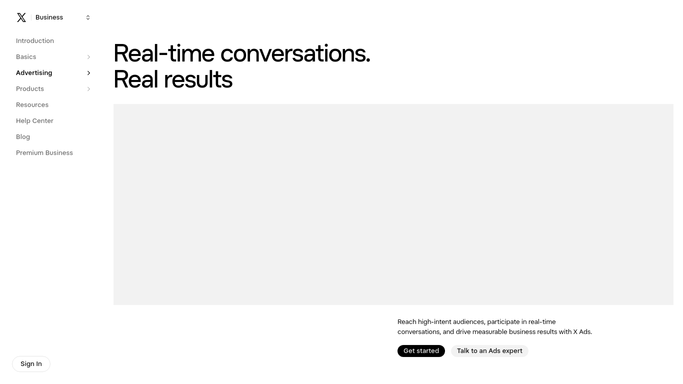
WebRun opens X Ads to read yesterday's spend and results. - Open the campaigns view and set the date range to yesterday
- Record spend, impressions, clicks, and results for each active campaign
- Compare each campaign's spend against its daily budget and its own seven day average
- Flag campaigns that spent their full budget with no results, and campaigns whose cost per result rose sharply
Done when Every active campaign has yesterday's numbers and a flag if it is off trend.
-
2
Microsoft Teams - post the daily spend digest
microsoft.com How to Automate Microsoft Teams

WebRun opens Microsoft Teams to post the daily spend digest. - Post the digest to your marketing channel
- Lead with total spend, total results, and the blended cost per result for yesterday
- List each campaign underneath with its spend and its change against the seven day average
- Call out the flagged campaigns in their own short section
Done when The marketing channel has yesterday's spend digest.
-
3
Trello - raise a card on wasted spend
trello.com How to Automate Trello

WebRun opens Trello to raise a card on wasted spend. - Open the campaign review board
- Create a card for each flagged campaign with the spend, the results, and what changed
- Add the recommended action as a note, for example pause, lower the bid, or refresh the creative
- Leave every campaign running. WebRun never pauses, edits, or changes a budget in X Ads
Done when Every flagged campaign has a review card with a recommendation.
How is each run configured?
Secure by default
Connect once, stays signed in
WebRun signs in once and keeps each session in a persistent environment, so every run picks up right where it left off.
Every action is checked against this policy before it runs.
Questions, answered
Will it pause campaigns or change my budgets?
No. WebRun only reads X Ads. Pausing a campaign or moving a budget spends or withholds real money, so it raises a Trello card with a recommendation and a person makes the change.
How does it decide a campaign is wasting money?
It compares yesterday's spend and cost per result against the campaign's own seven day average and its daily budget, so a campaign that spent in full and delivered nothing gets flagged.
What if I run campaigns on several ad accounts?
List the accounts at setup and WebRun works through each one in turn, then posts a single combined digest so you see total spend across all of them in one place.
Related templates
Put this on autopilot.
Turn it on in minutes - or have our team set it up for you.