Surface the Workflowy bullets you tagged and forgot
Every Monday, WebRun opens Workflowy, searches the tags you use for waiting-on and someday work, finds the bullets still open with no edit in weeks, groups them by tag and age, posts the stale list to Microsoft Teams, and pings Telegram about the oldest ones.
- No credit card
- Under $0.01 per run
- Cancel anytime
How do I find the Workflowy items I tagged and then forgot about?
Every Monday WebRun opens Workflowy, searches your tags for bullets still open with no edit in weeks, groups them by tag and age, posts the stale list to Microsoft Teams, and sends a short Telegram ping about the oldest ones, so waiting-on items finally get closed or dropped.
- Forgotten bullets resurface once a week instead of never
- Waiting-on items get closed or dropped on purpose
- The weekly review starts from a ready-made list
Built for consultants · founders · product managers · anyone running a personal outline system
What does WebRun do on every run?
The exact actions WebRun takes, in order - in plain language, so you can adjust anything.
-
WebRun signs in and gets to work
Opens
workflowy.comin a real browser with your saved login - no setup, no API keys. -
1
Workflowy - find bullets that went quiet
workflowy.com
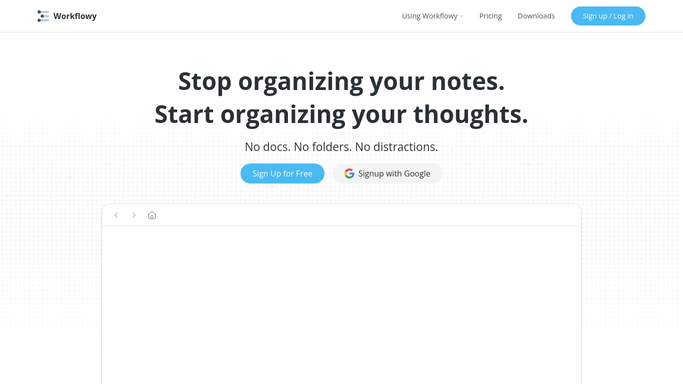
WebRun opens Workflowy to find bullets that went quiet. - Open Workflowy and search each tag you track, such as your waiting-on, someday, and follow-up tags
- Skip bullets already marked complete and keep only the ones still open
- Read the note under each bullet and the date it was last touched
- Rank the results by how long they have sat without an edit
Done when Every open tagged bullet has an age in weeks and its note captured.
-
2
Microsoft Teams - post the stale list
microsoft.com How to Automate Microsoft Teams

WebRun opens Microsoft Teams to post the stale list. - Post the stale bullet list to your working channel in Microsoft Teams
- Group it by tag so waiting-on items sit apart from someday items
- Show the age in weeks next to each bullet and put the oldest first
- Add the count that aged past your threshold since last Monday
Done when The channel has this week's stale bullets grouped by tag with the oldest first.
-
3
Telegram - ping you about the oldest
telegram.org How to Automate Telegram

WebRun opens Telegram to ping you about the oldest. - Send yourself a short Telegram summary of the three oldest bullets
- Include the tag and how many weeks each has been sitting
- Say how many items in total crossed your stale threshold this week
Done when You have a one-glance read on what has gone quiet longest.
How is each run configured?
Secure by default
Connect once, stays signed in
WebRun signs in once and keeps each session in a persistent environment, so every run picks up right where it left off.
Every action is checked against this policy before it runs.
Questions, answered
Will it complete or delete my bullets?
No. WebRun only reads your outline and reports what has gone quiet. Completing, editing, or removing a bullet stays a decision you make by hand in Workflowy.
How old does a bullet have to be to count as stale?
You set the threshold, commonly two or three weeks with no edit. WebRun measures each bullet against it on every Monday run.
Which tags does it check?
The ones you name at setup, such as your waiting-on, someday, and follow-up tags. Anything untagged is left out so the list stays short and honest.
Related templates
Put this on autopilot.
Turn it on in minutes - or have our team set it up for you.