Keep every tint appointment confirmed and reminded
Every morning, WebRun opens Tint Wiz, reads the day's and tomorrow's booked installs, mirrors each one onto your Google Calendar, and drafts a booking confirmation plus 24 hour and 1 hour text reminders in Twilio, all left unsent for you to approve before they reach the customer.
- No credit card
- Under $0.01 per run
- Cancel anytime
What does WebRun do on every run?
The exact actions WebRun takes, in order - in plain language, so you can adjust anything.
-
WebRun signs in and gets to work
Opens
app.tintwiz.comin a real browser with your saved login - no setup, no API keys. -
1
Tint Wiz - read booked installs
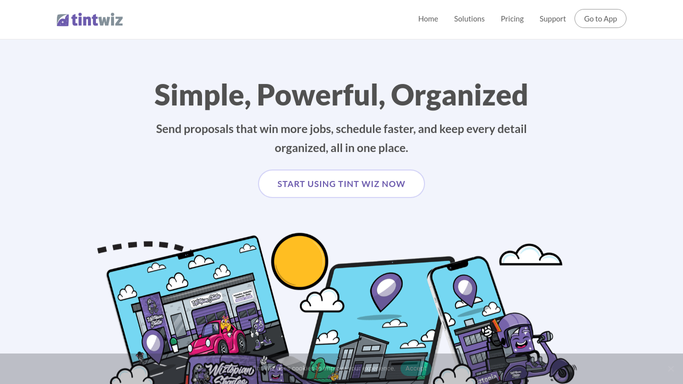
tintwiz.com How to Automate Tint Wiz

WebRun opens Tint Wiz to read booked installs. - Open Tint Wiz and pull installs booked for today and tomorrow
- Capture the customer, address, film, bay or installer, and start time for each job
- Flag any appointment missing a phone number or a confirmed time
Done when Every upcoming install is listed with its time, location, and customer details.
-
2
Google Calendar - mirror each job to the calendar
calendar.google.com How to Automate Google Calendar
WebRun opens Google Calendar to mirror each job to the calendar. - Create or update a Google Calendar event for each install with the customer, address, and film in the notes
- Assign the event to the right installer's calendar and set travel or prep buffers
- Skip jobs already mirrored so no duplicate events are created
Done when Every booked install has a matching, up to date Google Calendar event.
-
3
Twilio - draft confirmation and reminders
twilio.com How to Automate Twilio
WebRun opens Twilio to draft confirmation and reminders. - Draft a booking confirmation text for newly scheduled installs with the date, time, and address
- Draft a 24 hour and a 1 hour reminder for each upcoming appointment
- Queue every message in Twilio but leave it unsent so you approve the wording and timing before it reaches the customer
Done when Confirmations and reminders are queued in Twilio for your approval.


How do I automatically confirm and remind window film appointments?
WebRun reads your Tint Wiz install calendar every morning, mirrors each booked job onto Google Calendar, and drafts a confirmation plus 24 hour and 1 hour text reminders in Twilio. Every message is queued unsent for your approval, so customers stay informed, your bays stay full, and nothing texts a customer without you.
- Every booked install lands on the right installer's Google Calendar
- Confirmation and 24 hour and 1 hour reminders are drafted for a one tap approval
- Appointments missing a phone number are flagged before the day of the job
Built for window film shops · auto tint installers · mobile tinting crews · residential film installers
How is each run configured?
Secure by default
Connect once, stays signed in
WebRun signs in once and keeps each session in a persistent environment, so every run picks up right where it left off.
Every action is checked against this policy before it runs.
Questions, answered
Will it text customers reminders on its own?
No. WebRun drafts the confirmation and the 24 hour and 1 hour reminders and queues them in Twilio, but leaves them unsent. You approve each message so nothing reaches a customer without your sign off.
Does it create duplicate calendar events?
No. It checks Google Calendar for an existing event per install before creating one, updates the details if the appointment moved, and skips anything already mirrored, so your calendar stays clean.
What happens if an appointment is missing a phone number?
It flags that appointment in the run so you can add the number in Tint Wiz. The calendar event is still created, but no reminder is drafted until a valid number exists.
Related templates
Put this on autopilot.
Turn it on in minutes - or have our team set it up for you.