Automated Wells Fargo Transaction Reconciliation
Every morning, WebRun opens Wells Fargo, checks yesterday's business transactions against your Trello expense board, creates a card for anything that hasn't been logged yet, and posts the reconciliation summary to Microsoft Teams so nothing slips through before month end.
How do I reconcile new Wells Fargo business transactions automatically?
WebRun checks new Wells Fargo business transactions every morning against your Trello expense board, creates a card for anything not yet logged, and posts the reconciliation summary to Microsoft Teams. It never moves money itself, so your team starts the day knowing exactly which transactions still need to be logged and reviewed.
- Unlogged transactions get a Trello card the same morning they post
- Teams gets a clear daily read on what still needs reconciling
- Already logged transactions are never duplicated
Built for small business owners · bookkeepers · office managers · finance teams
What does WebRun do on every run?
The exact actions WebRun takes, in order - in plain language, so you can adjust anything.
-
WebRun signs in and gets to work
Opens
online.wellsfargo.comin a real browser with your saved login - no setup, no API keys. -
1
Wells Fargo - check new business transactions
wellsfargo.com
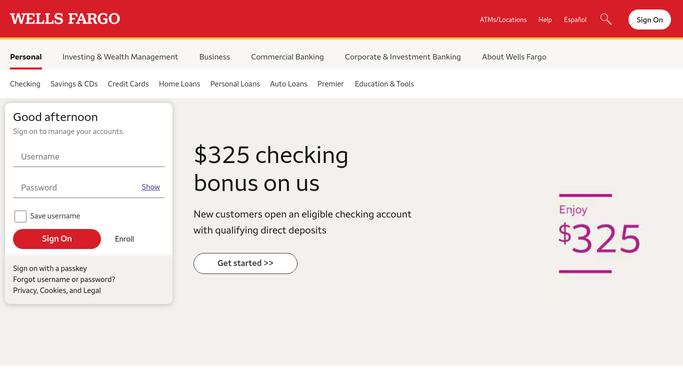
WebRun opens Wells Fargo to check new business transactions. - Open Wells Fargo business banking and list yesterday's transactions
- Capture the amount, payee, and date for each
- Compare the list against what's already logged on the Trello board
Done when Yesterday's transactions are checked against the Trello board.
-
2
Trello - create cards for unlogged transactions
trello.com

WebRun opens Trello to create cards for unlogged transactions. - Create a card for every transaction not already logged
- Add the amount, payee, and date to the card
- Leave cards for already logged transactions untouched
Done when Every unlogged transaction has a Trello card.
-
3
Microsoft Teams - post the reconciliation summary
microsoft.com

WebRun opens Microsoft Teams to post the reconciliation summary. - Post how many transactions were checked and how many were new
- List the new cards created with their amounts
- Leave it as a read only summary
Done when Your Teams channel has today's reconciliation summary.
How is each run configured?
Secure by default
Connect once, stays signed in
WebRun signs in once and keeps each session in a persistent environment, so every run picks up right where it left off.
Every action is checked against this policy before it runs.
Questions, answered
Will it pay a bill or move money to reconcile the account?
No. WebRun never sends a payment, issues a refund, or transfers funds on its own. It only reads transactions and reports what's unlogged, leaving any payment or transfer to you.
Will it close out or approve the Trello cards?
No. It only creates the card with the transaction details. Categorizing, attaching a receipt, and marking it reconciled stays your team's call.
What if a transaction is already logged somewhere else?
It checks the live Trello board before creating a card, so anything already logged is skipped rather than duplicated.
Related templates
Put this on autopilot.
Turn it on in minutes - or have our team set it up for you.