Chase outstanding water test results and keep clients in the loop
Every morning, WebRun opens ServiceM8 and identifies completed well jobs where water test results have not yet been recorded. It logs each outstanding result in Google Sheets and drafts a client status update in Gmail for your approval before any message is sent.
- No credit card
- Under $0.01 per run
- Cancel anytime
What does WebRun do on every run?
The exact actions WebRun takes, in order - in plain language, so you can adjust anything.
-
WebRun signs in and gets to work
Opens
app.servicem8.comin a real browser with your saved login - no setup, no API keys. -
1
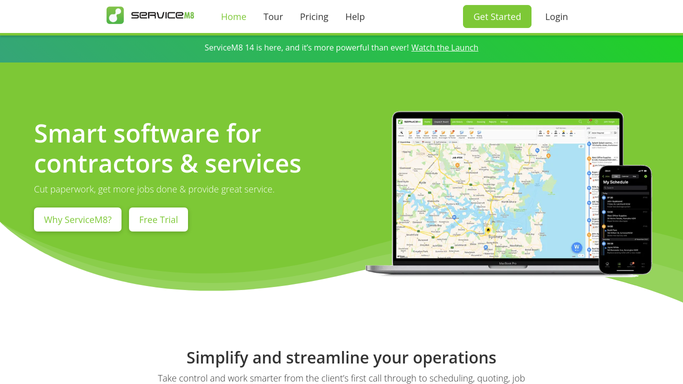
ServiceM8 - find jobs with outstanding water test results
servicem8.com How to Automate ServiceM8

WebRun opens ServiceM8 to find jobs with outstanding water test results. - Open ServiceM8 and filter completed well drilling jobs
- Identify jobs where a water test was ordered but the result has not been recorded on the job card
- Capture the job number, client name, contact email, drilling date, and the lab or testing body used
Done when All completed jobs with outstanding water test results are listed.
-
2
Google Sheets - log outstanding results and job details
google.com How to Automate Google Sheets
WebRun opens Google Sheets to log outstanding results and job details. - Open the water test tracker in Google Sheets
- Add or update a row for each outstanding result with job number, client, test date, and days waiting
- Flag results overdue by more than 10 business days for escalation
Done when Tracker is updated with all outstanding water tests and their wait times.
-
3
Gmail - draft client status update for review
gmail.com How to Automate Gmail
WebRun opens Gmail to draft client status update for review. - Draft a short, professional status update email for each client still awaiting results
- Include the job reference, what was tested, and an estimated timeframe if known
- Save each as a Gmail draft for your team to review and send
Done when Draft status emails are ready in Gmail for every client waiting on water test results.


How do I track and follow up on outstanding water test results for well drilling jobs?
WebRun opens ServiceM8 every morning and finds completed well drilling jobs where water test results are still missing. It logs each outstanding test in Google Sheets and drafts a client status update in Gmail for your team to review and send, so no client is left wondering what happened to their results.
- No completed job sits untracked waiting on a water test result
- Clients receive timely status updates drafted in minutes, not hours
- Outstanding tests overdue by 10 days are flagged for escalation
Built for well drilling contractors · water well companies · drilling project managers
How is each run configured?
Secure by default
Connect once, stays signed in
WebRun signs in once and keeps each session in a persistent environment, so every run picks up right where it left off.
Every action is checked against this policy before it runs.
Questions, answered
Will it send the client update emails automatically?
No. Every client email is saved as a Gmail draft for your team to review and send. No message reaches a client without human approval.
How does it know a water test is outstanding?
It checks ServiceM8 job cards for completed drilling jobs where the water test result field or note has not been filled in, flagging them as outstanding until the record is updated.
What if the results have already been received and recorded?
WebRun reads live data from ServiceM8 each morning, so any job with a result already recorded is skipped and removed from the outstanding list automatically.
Related templates
Put this on autopilot.
Turn it on in minutes - or have our team set it up for you.