Track well drilling permit deadlines so nothing expires unnoticed
Every morning, WebRun opens ServiceM8, scans active jobs for permit deadlines in the next seven days, logs each deadline in a Google Sheets tracker, and posts an alert to Slack so your team can chase the required approvals in time.
- No credit card
- Under $0.01 per run
- Cancel anytime
What does WebRun do on every run?
The exact actions WebRun takes, in order - in plain language, so you can adjust anything.
-
WebRun signs in and gets to work
Opens
app.servicem8.comin a real browser with your saved login - no setup, no API keys. -
1
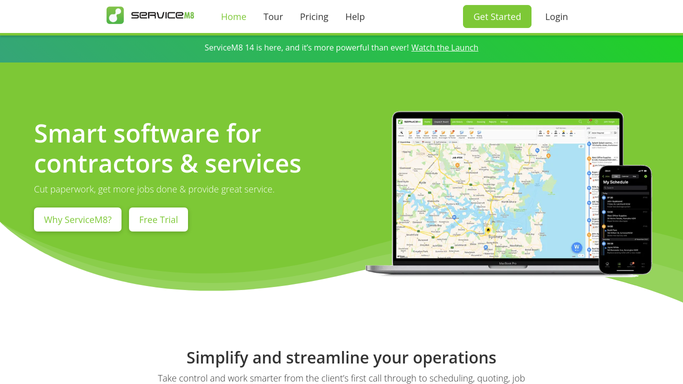
ServiceM8 - scan jobs for upcoming permit deadlines
servicem8.com How to Automate ServiceM8

WebRun opens ServiceM8 to scan jobs for upcoming permit deadlines. - Open ServiceM8 and review active job cards for permit expiry or submission deadline notes
- Identify jobs with a permit deadline falling within the next seven days
- Capture the job number, client name, site address, permit type, and deadline date for each
Done when All upcoming permit deadlines are identified with their job details.
-
2
Google Sheets - log permit deadlines and job details
google.com How to Automate Google Sheets
WebRun opens Google Sheets to log permit deadlines and job details. - Open the permit tracker in Google Sheets
- Add or update rows for each job with an approaching deadline
- Colour-code rows by urgency: within 2 days, within 7 days
Done when Permit tracker sheet is updated with all upcoming deadlines and urgency flags.
-
3
Slack - post deadline alert to operations team
slack.com How to Automate Slack
WebRun opens Slack to post deadline alert to operations team. - Post a daily permit deadline alert to the operations Slack channel
- List each job with its deadline date, days remaining, and permit type
- Flag any deadline within 48 hours as urgent
Done when Operations team has today's permit deadline summary in Slack.


How do I track well drilling permit deadlines automatically?
WebRun checks ServiceM8 every morning for active well drilling jobs with permit deadlines in the next seven days. It logs each deadline in a Google Sheets tracker and posts a prioritised alert to Slack, so your team always has enough lead time to chase approvals before a permit lapses.
- Permit deadlines surfaced seven days in advance, every day
- No permit deadline missed due to a buried job card note
- Urgent deadlines flagged separately so the team prioritises correctly
Built for well drilling contractors · water well companies · drilling operations managers
How is each run configured?
Secure by default
Connect once, stays signed in
WebRun signs in once and keeps each session in a persistent environment, so every run picks up right where it left off.
Every action is checked against this policy before it runs.
Questions, answered
Will it file or submit permits on my behalf?
No. WebRun tracks and alerts only. Any permit submission or filing is handled by your team after reviewing the Slack alert.
What types of permit deadlines does it track?
It tracks any deadline recorded as a note or date field on a ServiceM8 job card, including drilling permits, water authority approvals, and site access permits.
What happens if a permit deadline passes?
Jobs with passed deadlines are flagged as overdue in Google Sheets and remain in the Slack report until the job is marked complete or the permit note is updated.
Related templates
Put this on autopilot.
Turn it on in minutes - or have our team set it up for you.