Automated Vedantu Daily Class Digest
Every morning, WebRun opens Vedantu, checks yesterday's live class attendance and doubts raised by students, saves the log to Google Drive, and posts a digest to Slack for your academic team.
How do I get a daily digest of my Vedantu class activity?
WebRun checks Vedantu every morning for yesterday's live class attendance and any doubts students raised, saving the log to Google Drive. It posts a digest to Slack for your academic team flagging doubts unresolved more than a day, so nothing a student asked gets missed for long.
- Class activity is visible to the academic team every morning
- Unresolved doubts get flagged before they go days unanswered
- Attendance and doubts are archived for trend review
Built for Vedantu educators · online tutoring academies · academic coordinators · live class teams
What does WebRun do on every run?
The exact actions WebRun takes, in order - in plain language, so you can adjust anything.
-
WebRun signs in and gets to work
Opens
www.vedantu.comin a real browser with your saved login - no setup, no API keys. -
1
Vedantu - check class attendance & doubts
vedantu.com
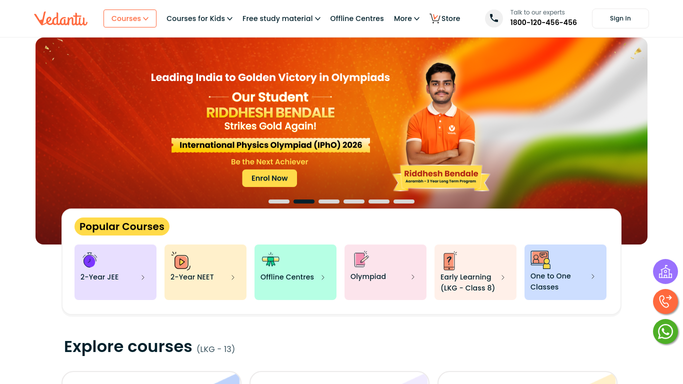
WebRun opens Vedantu to check class attendance & doubts. - Open Vedantu and check attendance for yesterday's live classes
- Check doubts raised by students during or after class
- Note any doubt still unresolved
Done when Yesterday's classes have been checked for attendance and doubts.
-
2
Google Drive - save the activity log
drive.google.com

WebRun opens Google Drive to save the activity log. - Save the day's activity log as a dated file in the academic folder
- Include attendance and unresolved doubts per class
- Keep prior days' logs so trends stay visible
Done when Yesterday's activity log is saved in Drive.
-
3
Slack - post the academic digest
slack.com

WebRun opens Slack to post the academic digest. - Post a digest to the academic team channel with attendance and doubts
- Flag any doubt that's been unresolved more than a day
- Keep the post short enough to scan in a few seconds
Done when The academic team has yesterday's digest in Slack.
How is each run configured?
Secure by default
Connect once, stays signed in
WebRun signs in once and keeps each session in a persistent environment, so every run picks up right where it left off.
Every action is checked against this policy before it runs.
Questions, answered
Does it answer student doubts automatically?
No. WebRun only reports which doubts are unresolved. Answering them stays with your teachers.
How long can a doubt stay unresolved before it's flagged?
More than a day. That threshold keeps the digest focused on doubts that are actually being missed, not ones just posted.
Where is the historical data kept?
Every day's log is saved as its own file in Google Drive, so trends are easy to review without re-pulling the data.
Related templates
Put this on autopilot.
Turn it on in minutes - or have our team set it up for you.