Flag age-verification gaps before a compliance audit finds them
Every morning, WebRun opens KORONA POS and reviews the prior day's transactions involving age-restricted products to identify any where the age-verification step was bypassed, overridden, or had no ID scan recorded. It posts a named, time-stamped compliance flag list to your Slack management channel so you can address gaps the same day they occur.
- No credit card
- Under $0.01 per run
- Cancel anytime
What does WebRun do on every run?
The exact actions WebRun takes, in order - in plain language, so you can adjust anything.
-
WebRun signs in and gets to work
Opens
koronapos.comin a real browser with your saved login - no setup, no API keys. -
1
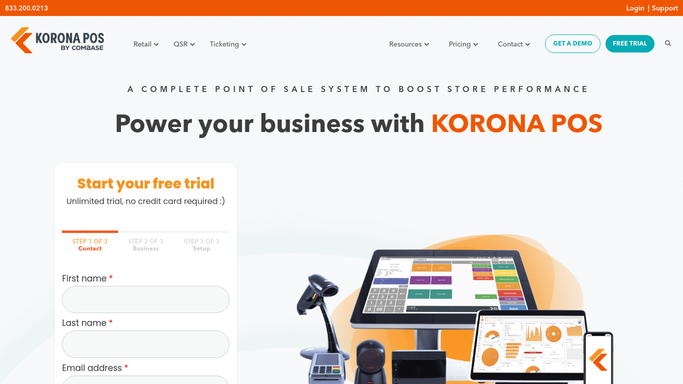
KORONA POS - scan age-restricted transactions for verification gaps
koronapos.com How to Automate KORONA POS

WebRun opens KORONA POS to scan age-restricted transactions for verification gaps. - Open KORONA POS and filter the prior day's transactions to age-restricted product categories
- For each transaction, check whether the age-verification prompt was completed or bypassed
- Note the cashier name, transaction time, and item category for every bypassed verification
- Count the total number of transactions and the number with a verification gap to calculate a compliance rate
Done when All age-verification gaps from the prior day are identified with cashier and time details.
-
2
Slack - post the compliance flag list to the management channel
slack.com How to Automate Slack
WebRun opens Slack to post the compliance flag list to the management channel. - Format the flagged transactions as a numbered list with cashier name, time, and item category
- Include the overall compliance rate for the day at the top of the message
- Post to the management Slack channel with a clear heading noting it is an age-verification compliance report
- Note if the compliance rate dropped below your configured threshold and recommend follow-up training
Done when The compliance report is posted to Slack and visible to management.

How can I automatically monitor age-verification compliance at my smoke shop?
WebRun scans KORONA POS every morning for tobacco and vape transactions where the age-verification step was bypassed or not completed, then posts a named, timestamped flag list to your Slack management channel with the daily compliance rate. Management sees exactly which cashiers need follow-up before any compliance risk compounds.
- Every age-verification bypass surfaces to management the morning after it occurs
- Daily compliance rate gives owners a measurable metric to track and improve
- Timestamped Slack reports build an audit trail for regulators and attorneys
Built for smoke shop owners · vape shop compliance managers · tobacco retailers in high-scrutiny markets
How is each run configured?
Secure by default
Connect once, stays signed in
WebRun signs in once and keeps each session in a persistent environment, so every run picks up right where it left off.
Every action is checked against this policy before it runs.
Questions, answered
Does it take disciplinary action against cashiers automatically?
No. WebRun posts the flag list to Slack for management to review. Any follow-up with staff is handled by you, keeping a human in control of every personnel decision.
What counts as a bypassed verification in KORONA POS?
KORONA POS records whether the age-verification prompt was completed or skipped at the register. WebRun reads those records and flags any transaction where the prompt was not completed on an age-restricted item.
Can I use this report as documentation during a compliance audit?
Yes. Each Slack message is timestamped and can be exported. You can also ask WebRun to log each daily report to a Google Sheet for a searchable compliance history your attorney or regulator can review.
Related templates
Put this on autopilot.
Turn it on in minutes - or have our team set it up for you.