Automated US Bank Balance and Transaction Alerts
Every hour, WebRun signs in to US Bank business online banking, compares the balance to your low-balance threshold, scans new transactions against your large-transaction threshold, saves any exception to a dated log in Google Drive, and posts an alert to Slack.
How do I get alerted when my US Bank balance runs low or a transaction is unusual?
WebRun checks your US Bank business account every hour, comparing the balance to your low-balance threshold and scanning new transactions against your large-transaction threshold. Any exception is saved to a dated log in Google Drive and posted to your finance Slack channel immediately, so a cash crunch or a big charge never goes unnoticed.
- Low balances get caught within the hour, not at month end
- Unusually large transactions trigger an immediate Slack alert
- Every exception is logged to Drive for a clean paper trail
Built for small business owners · finance managers · bookkeepers
What does WebRun do on every run?
The exact actions WebRun takes, in order - in plain language, so you can adjust anything.
-
WebRun signs in and gets to work
Opens
www.usbank.comin a real browser with your saved login - no setup, no API keys. -
1
US Bank - check balance and new transactions
usbank.com
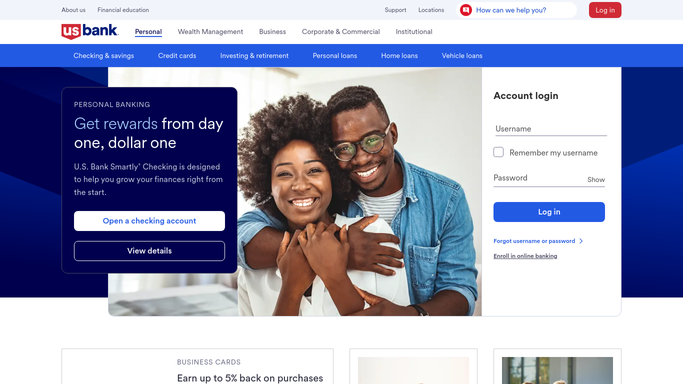
WebRun opens US Bank to check balance and new transactions. - Sign in to US Bank business online banking and open the operating account
- Check the current balance against your low-balance threshold
- Flag any single transaction over your large-transaction threshold
Done when The balance is checked and any flagged transaction is captured.
-
2
Google Drive - save a snapshot of flagged activity
drive.google.com

WebRun saves a snapshot of flagged activity to Google Drive. - Save a dated snapshot noting the balance and any flagged transaction to the Finance folder
- Keep a running log file updated with each exception
Done when Today's exception, if any, is saved to Google Drive.
-
3
Slack - alert finance about the exception
slack.com

WebRun alerts finance in Slack about the exception. - Post an alert to the finance Slack channel if the balance is low or a transaction is flagged
- Include the balance, the threshold, and the transaction detail
Done when Finance is alerted in Slack the same hour an exception happens.
How is each run configured?
Secure by default
Connect once, stays signed in
WebRun signs in once and keeps each session in a persistent environment, so every run picks up right where it left off.
Every action is checked against this policy before it runs.
Questions, answered
What triggers an alert?
Either the balance dropping below the threshold you set, or a single transaction over your large-transaction threshold. Either one posts to Slack the same hour it happens.
Will WebRun transfer funds to cover a low balance?
No. WebRun only monitors the balance and transactions and alerts you. It never transfers funds, moves money between accounts, or makes a payment on its own.
Where is the record of past alerts?
Every exception is saved to a running log in Google Drive with the date, balance, and transaction detail, so you have a paper trail without digging through bank statements.
Related templates
Put this on autopilot.
Turn it on in minutes - or have our team set it up for you.